
How We Picked These Tools
Each tool was assessed using real user reviews, mobile usability, GPS and job tracking capability, and overall value for growing electrical businesses.
TL;DR – Quick Comparison
Tool | Best for | Pricing (from vendor) | Rating |
|---|---|---|---|
Electrical crews needing GPS time tracking and job-based reporting | Starts at $40/month. Free 14-day trial available. | 4.6/5 (G2) | |
Service-based electrical businesses managing jobs and invoicing | Core plan from $29/month | 4.6/5 (G2) | |
Mid-to-large electrical contractors needing an all-in-one FSM platform | Custom pricing based on technicians and features. | 4.5/5 (G2) | |
Electrical teams already using QuickBooks for payroll | From $19/month | 4.5/5 (G2) | |
Small teams needing simple, low-cost time tracking | Free plan available. Paid plans from $5.49/user/month. | 4.5/5 (G2) | |
Contractors tracking time across multiple tasks or projects | Free plan available. Paid plans from $9/user/month. | 4.6/5 (G2) |
*Pricing and G2 rating reflect publicly available vendor information at the time of writing. Check sites for the latest pricing and ratings.
What to Look for in an Electrical Time Tracking App
Not every time tracking tool is built for electrical contractors. These are the features that make the biggest difference in day-to-day operations.
- Real-time and GPS-based time tracking
Confirms when and where work happens, helping verify hours worked, travel time, and job locations without relying on memory. - Easy edits and approvals
Missed punches happen. The right app allows managers to review and correct times while keeping payroll accurate. - Job-based time tracking
Track labor costs by job, not just by employee, so you can understand true job profitability. - Clear reporting and exports
Quickly review hours, overtime, and job costs, and export data for payroll or accounting. - Mobile-first usability
If it’s not simple to use on a phone, electricians won’t use it consistently in the field. - Payroll and accounting integrations
Reduces double entry and speeds up payroll and invoicing.
The Best Time Tracking Apps for Electrical Contractors
As your business grows, it’ll reach a point where it makes sense to invest in a time tracking app for electrical jobs to gain clearer visibility into labor costs, travel time, and how hours are actually spent across jobs.
Below are the best time tracking apps for electricians, chosen for their practicality, usability, and relevance to field-based electrical work.
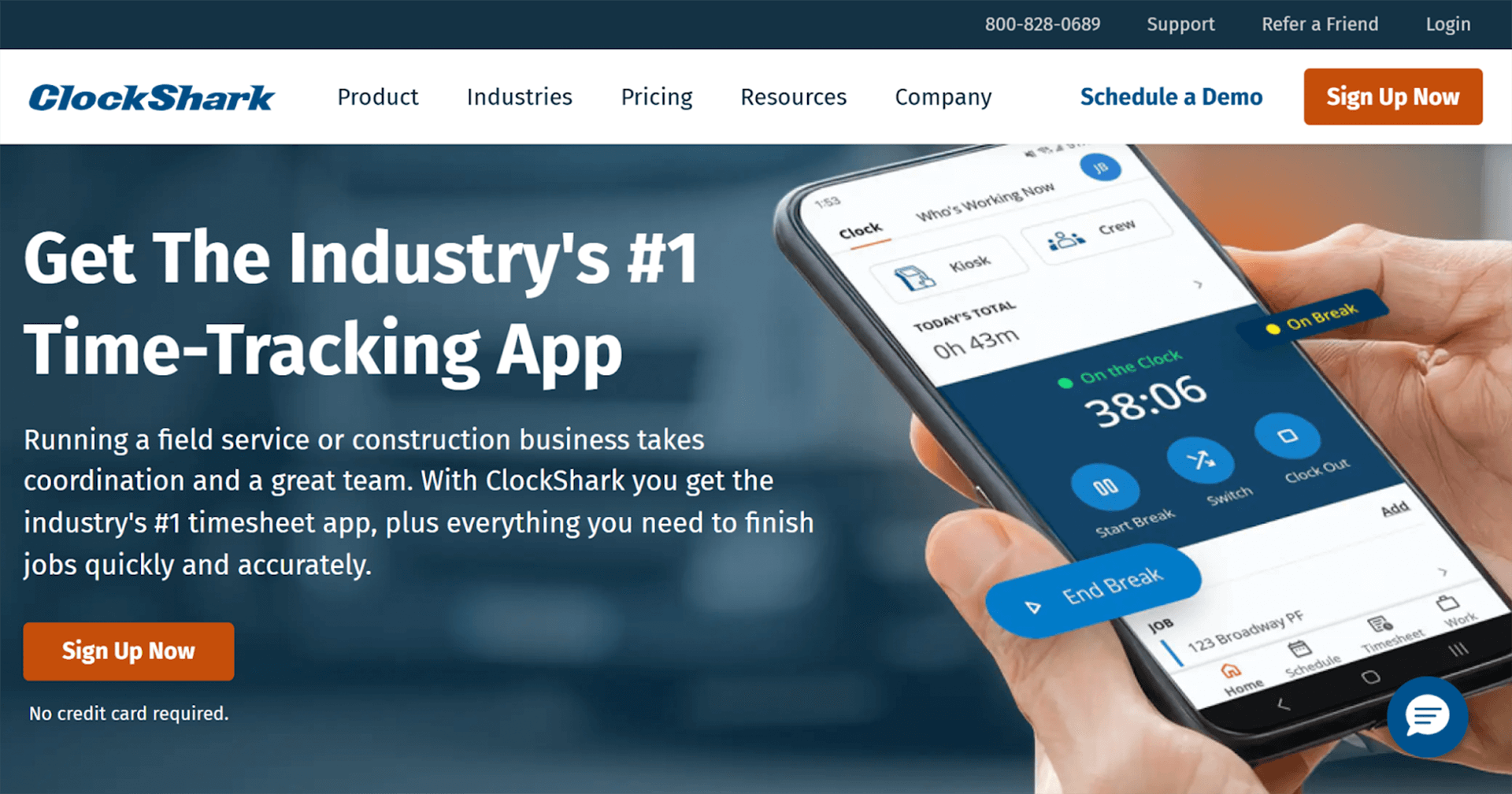
ClockShark is an ideal time tracking solution for electrical businesses. It gives clear, real-time visibility into where crews are working and how long jobs actually take. The platform is designed to be simple for electricians in the field while giving managers accurate, payroll-ready data.
Key features
Pros
- Purpose-built for field teams (crews clock in/out fast on-site).
- GPS verification helps reduce disputes and time theft.
- Job-based tracking makes it easier to see true labour cost per job.
- Live crew visibility supports quicker scheduling decisions on the day.
- Approval workflows help catch errors before payroll runs.
Cons
- No built-in equipment tracking.
- Costs can scale for larger crews (base fee + per-user).
- Limited advanced reporting/custom dashboards compared to enterprise FSM tools.
- GPS/location features rely on mobile signal and device settings.
- Some teams want more native mileage/route insight without add-ons.
Pricing
- Base fee from $40/month
- Per-user pricing applies depending on the plan
- 14-day free trial available
Extreme Janitorial reported clear, measurable gains after switching from manual time tracking. The business saves $250 per month in administrative costs, cuts 3.5 hours per week from timesheet processing, and helps field employees save an average of 45 minutes per day by removing paper-based processes and manual corrections.
“I would definitely recommend ClockShark to anyone with a business in the service industry with a lot of employees in the field.”
Jobber
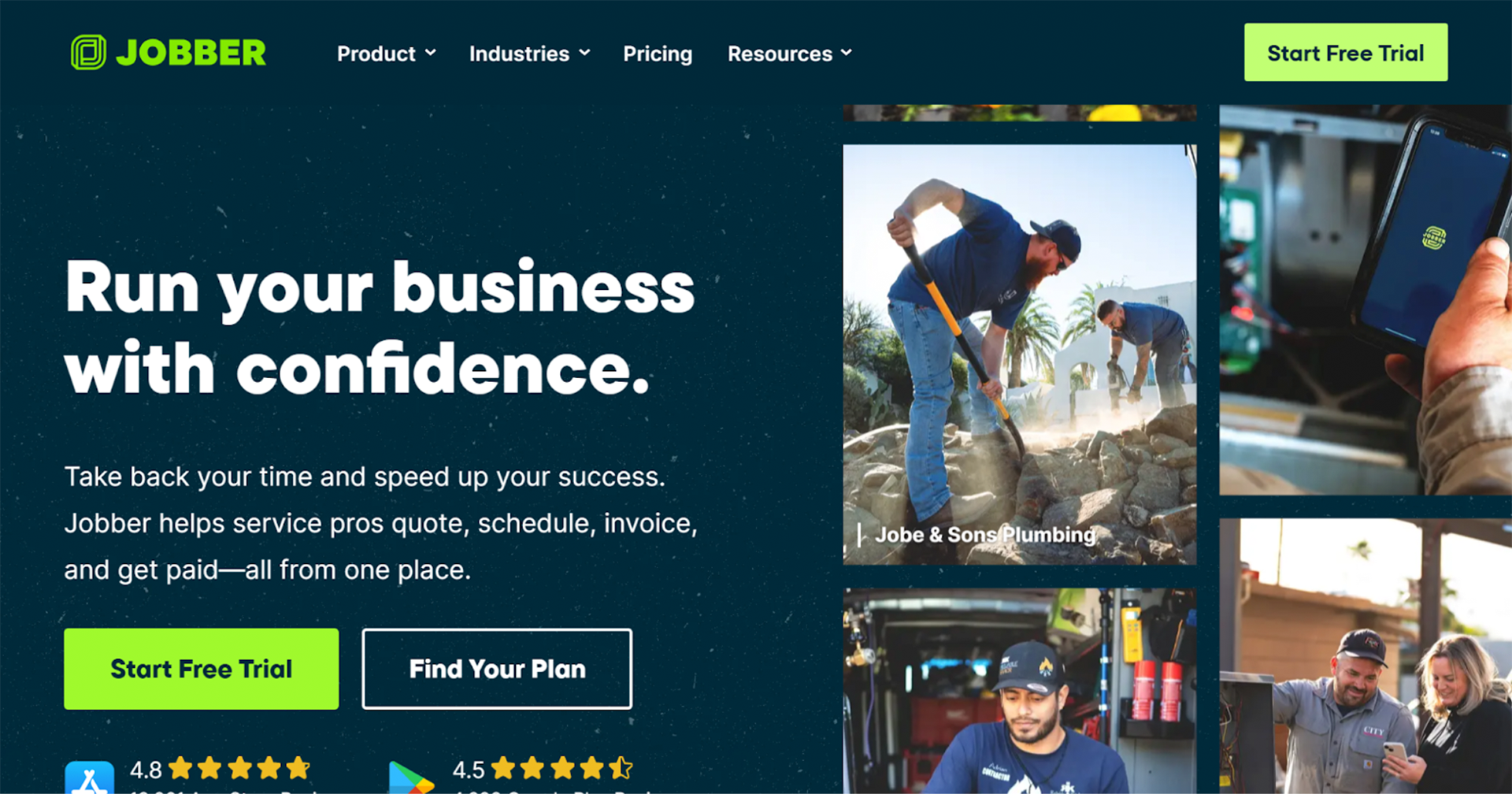
Jobber is a service management platform designed for small to mid-sized trade businesses. It combines basic time tracking with scheduling, quoting, and invoicing in one system. Electrical contractors often use Jobber to manage service work and customer jobs from start to finish.
Key features
Job and visit-based time tracking
Employee timesheets and approvals
Scheduling and dispatch tools
Integrated invoicing and payments
Mobile app for field technicians
Pros
- Strong all-in-one workflow for service jobs (schedule → job → invoice).
- Easy for office teams to coordinate work and customer communication.
- Mobile app keeps techs aligned with job details and updates.
- Helpful automations and customer comms features in higher tiers.
- Good fit for repeat service and maintenance work.
Cons
- Time tracking is not as deep as field-first time clock tools.
- Reporting can require pulling multiple reports to get the full picture.
- GPS/location verification is more limited than dedicated GPS time clocks.
- Costs can rise as you add more users and move up plans.
- Less suited to complex, multi-crew project workflows.
Pricing
- Core plan from $39/month (or $29/month billed annually)
- Higher tiers unlock automation and reporting
- Free trial available
“It keeps track of all our clients, leads, quotes, jobs, and invoices in one convenient place. Having detailed profiles for each client, along with their specific job histories, has been a lifesaver on more than one occasion.”
“Our biggest gripe is the speed. Infrequently, both the app and the desktop have slowdown issues that require a reboot of the system using the app. It can make using the app especially frustrating, as one can be in the middle of writing a note or creating a quote for a customer.”
ServiceTitan

ServiceTitan is an enterprise-grade field service management platform built for larger electrical contractors. It supports complex operations with multiple crews, high job volume, and detailed reporting requirements. Time tracking is one part of a broader operational system.
Key features
Technician clock-in and job time tracking
Payroll and timesheet approvals
Advanced reporting and dashboards
Scheduling and dispatch tools
CRM and job costing capabilities
Pros
- Full operational platform (dispatch, CRM, invoicing, reporting, and more).
- Advanced reporting gives strong visibility across teams, jobs, and performance.
- Built for scale (multi-crew, multi-branch operations).
- Strong workflow controls and approvals help standardize processes.
- Good fit for businesses wanting one system across the full job lifecycle.
Cons
- High cost and steep learning curve.
- Implementation can take time and needs internal ownership.
- Can feel too complex if you mainly need time tracking.
- Customization and admin setup can be heavy.
- Some teams report ongoing training needs to use it well.
Pricing
- Custom pricing based on technicians and features
“I value ServiceTitan for consolidating almost everything in one place, making it incredibly helpful for our operations. Its robust system empowers our technicians to succeed in the field using their iPads for tasks like dispatching, invoicing, creating and selling estimates, and managing return jobs.”
“At times, it can feel excessively rigid, as there is little flexibility with certain features. Since not all companies that use it operate in a cookie-cutter fashion, we've often found ourselves needing to devise workarounds to outsmart the system.”
QuickBooks Time
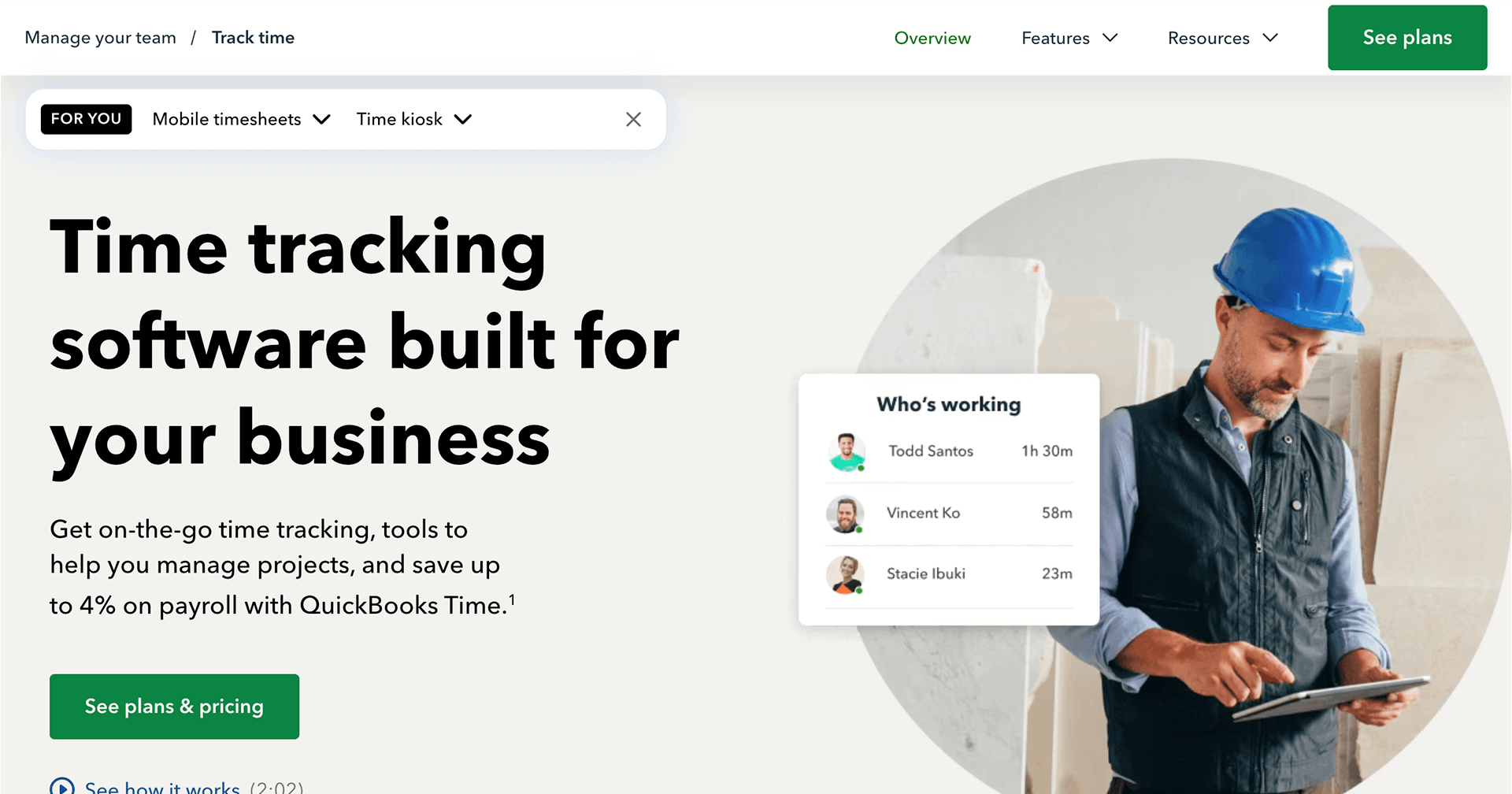
QuickBooks Time (formerly TSheets) is a time tracking tool designed for businesses already using QuickBooks. It focuses on simplifying payroll by syncing employee hours directly into accounting workflows. Electrical teams often choose it for payroll-first time tracking rather than job costing.
Key features
Mobile and web-based time tracking
GPS location tracking for clock-ins
Timesheet approvals for payroll
Direct QuickBooks integration
Overtime and break tracking
Pros
- Excellent fit if you run payroll through QuickBooks.
- Timesheets flow neatly into payroll workflows, reducing double entry.
- Mobile app supports crews that move between jobs during the day.
- Location tools help verify attendance (especially for mobile teams).
- Good option for businesses prioritizing payroll accuracy over job insights.
Cons
- Pricing can add up with per-user fees.
- Less trade-specific job costing than field-first tools.
- Custom reporting and dashboards are limited.
- Some users report occasional syncing or connection issues.
- Best value is tied to the wider QuickBooks ecosystem.
Pricing
- Base fee from $19/month
- Free trial available
- 50% off for first 3 months
“I really appreciate QuickBooks Time for its efficiency in tracking employees' absences and time ins. This feature is incredibly beneficial for keeping accurate records and simplifies the process when payroll is processed, ensuring that everything is easy to record and verify.”
“I find that QuickBooks Time sometimes has issues with clocking in and out because it isn't always compatible with the physical terminal. Additionally, the system occasionally calculates incorrect accruals for PTO and sick days.”
Clockify
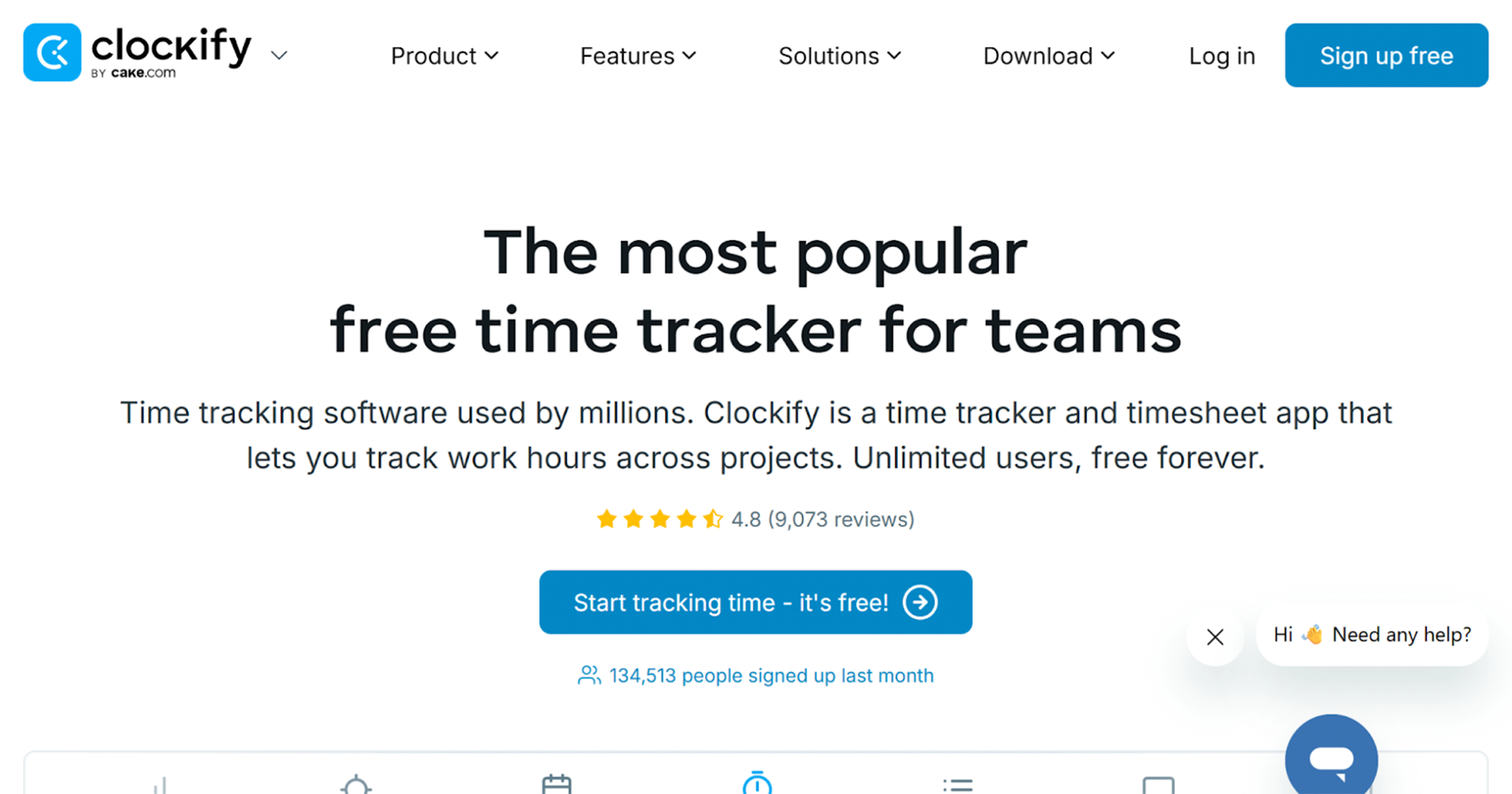
Clockify is a low-cost time tracking tool used by small teams and solo contractors. It’s designed for simple time tracking across tasks and projects rather than field-based job management. Electricians typically use it when budget is the primary concern.
Key features
Manual and timer-based time tracking
Project and task categorisation
Basic reporting and exports
Team activity tracking
Web and mobile access
Pros
- Generous free plan (useful if you want to trial time tracking properly).
- Simple timers and timesheets are easy to roll out quickly.
- Solid reporting basics for tracking hours by project/task.
- Works well for solo operators and very small teams.
- Low paid pricing can be good value as you scale modestly.
Cons
- Not designed for field service workflows or job-based costing.
- GPS/location verification is limited compared to field-first tools.
- Many admin controls (approvals, scheduling) sit behind paid tiers.
- Requires consistent tagging/categories to avoid messy data.
- Mobile/offline workflows can be less reliable depending on setup.
Pricing
- Free plan available
- Paid plans from $5.49 per user per month
“This is a straight out of box turnkey solution. Creating new clients and projects is extremely straightforward, which makes it much easier to handle reporting for billing and invoicing. Clockify is utilized by my team through our entire workday.”
“The visualization options are somewhat limited, especially when it comes to color coding different projects. I rely on color coding to quickly find specific entries, and having a greater variety of colors would make this process much faster.”
Toggl Track
Toggl Track is a flexible time tracking tool focused on tracking time across tasks, projects, and clients. It’s commonly used by contractors who need visibility into how time is split across different types of work. It’s less tailored to on-site field crews.
Key features
One-click timers for tasks and projects
Project and client-based reporting
Team activity dashboards
Time audits and summaries
Web and mobile apps
Pros
- Fast, low-friction tracking (easy for people to actually use).
- Strong reporting for billable work and client projects.
- Useful integrations with common tools (calendars, PM apps).
- Works well for splitting time across multiple job types or clients.
- Clean UI across desktop and mobile.
Cons
- Not built for field crews or trade job workflows.
- No GPS verification or on-site attendance controls.
- Job costing for trades is limited without additional systems.
- Relies on disciplined users to select the right project/task.
- Costs rise on higher tiers for teams.
Pricing
- Free plan available
- Paid plans from $9 per user per month
“You just hit the timer and get back to work, no complicated setup. I also like how it automatically groups your entries and shows everything clearly in the reports. It actually makes you aware of where your time is going without feeling heavy or confusing.”
“One thing I don’t like is that sometimes the timer doesn’t start or stop when I expect it to, especially if I switch between devices. The syncing can feel a bit slow.”
Count on Clockshark to Track your Electrical Jobs
Choosing the ideal time tracking solution for an electrical business comes down to visibility, accuracy, and trust in your numbers. When labor is one of your highest costs, understanding exactly where time is going helps protect margins, price jobs more confidently, and avoid payroll disputes before they happen.
For electrical contractors that want labor tracking designed specifically around how field crews operate, ClockShark stands out as a purpose-built solution. Its GPS-based time tracking, job-level visibility, real-time crew map, and payroll-ready timesheets are designed to reflect the realities of electrical work day to day.
If you want to see whether ClockShark gives you the level of control and clarity your business needs, you can explore the platform with a free trial.
Ready to try the best time tracking app for electricians?
Start your ClockShark free trial.