What to Consider in a Time and Material Tracking App
- Ease of use - Your crew should be able to clock in and out in seconds, even without a computer. Managers should be able to view timesheets and run reports without extra admin.
- Mobile app access - Trades work on the move. A reliable mobile app lets workers track time from job sites, vehicles, or between callouts.
- Crew and job scheduling - Built-in scheduling helps assign the right people to the right jobs, based on skills, availability, and job requirements.
- GPS tracking - GPS verification ensures time is logged at the correct location and during the correct hours — especially important for teams working across multiple sites.
- Job tracking and job costing - Track hours by job or project to understand where time is being spent, improve estimates, and protect margins.
- Integrations with other software - Look for integrations with payroll, accounting, or job management tools to avoid double entry and reduce errors.
- Billing support - Apps that connect time tracking to invoicing help you bill accurately and get paid faster, improving cash flow.
Extra tips when choosing a trade time-tracking app
- Read reviews from other trade businesses to understand real-world pros and cons
- Ask for recommendations from other contractors or business owners
Use free trials to test whether the app actually fits how your crew works day to day
13 Best Time Tracking Apps for Trades in 2025
Best time tracking apps for trades | Best for… | Price* | G2 Rating |
|---|---|---|---|
ClockShark | Trade and field teams needing GPS time tracking, scheduling, and job costing | From ~$40/month base + $9 per-user fee | ⭐ 4.6 / 5 |
Simpro | Midsize trade businesses needing full job, time, and materials management | Custom pricing | ⭐ 4.2 / 5 |
Raken | Large construction teams focused on reporting and site documentation | Quote-based | ⭐ 4.6 / 5 |
Connecteam | Office-heavy or mixed crews needing time, scheduling, and communication | Free plan available, paid from ~$29/month | ⭐ 4.6 / 5 |
Hubstaff | Remote or hybrid trade teams needing activity monitoring | From ~$4.99/user/month | ⭐ 4.5 / 5 |
QuickBooks Time | Trades already using QuickBooks for payroll | Requires QuickBooks Online. From ~$10/user/month | ⭐ 4.5 / 5 |
BusyBusy | Trades focused on labor and equipment cost tracking | Free plan available, paid from ~$9.99/user/month | ⭐ 4.8 / 5 |
ExakTime by Acroro | HR and compliance-focused construction teams | From ~$9/user/month | ⭐ 4.5 / 5 |
Workyard | GPS-verified time and mileage tracking for T&M jobs | From ~$6/user/month + $50 base fee | ⭐ 4.6 / 5 |
Clockify | Budget-conscious teams needing basic time tracking | Free plan available, paid from ~$3.99/user/month | ⭐ 4.5 / 5 |
Toggl Track | Office-based or hybrid teams billing by project | Free (up to 5 users), paid from ~$9/user/month | ⭐ 4.6 / 5 |
Harvest | Service teams that need simple time tracking with invoicing | From ~$9/user/month | ⭐ 4.3 / 5 |
My Hours | Freelancers and small teams tracking billable hours | Free plan available, paid from ~$8/user/month | ⭐ 4.6 / 5 |
*Pricing and rating are indicative and subject to change.
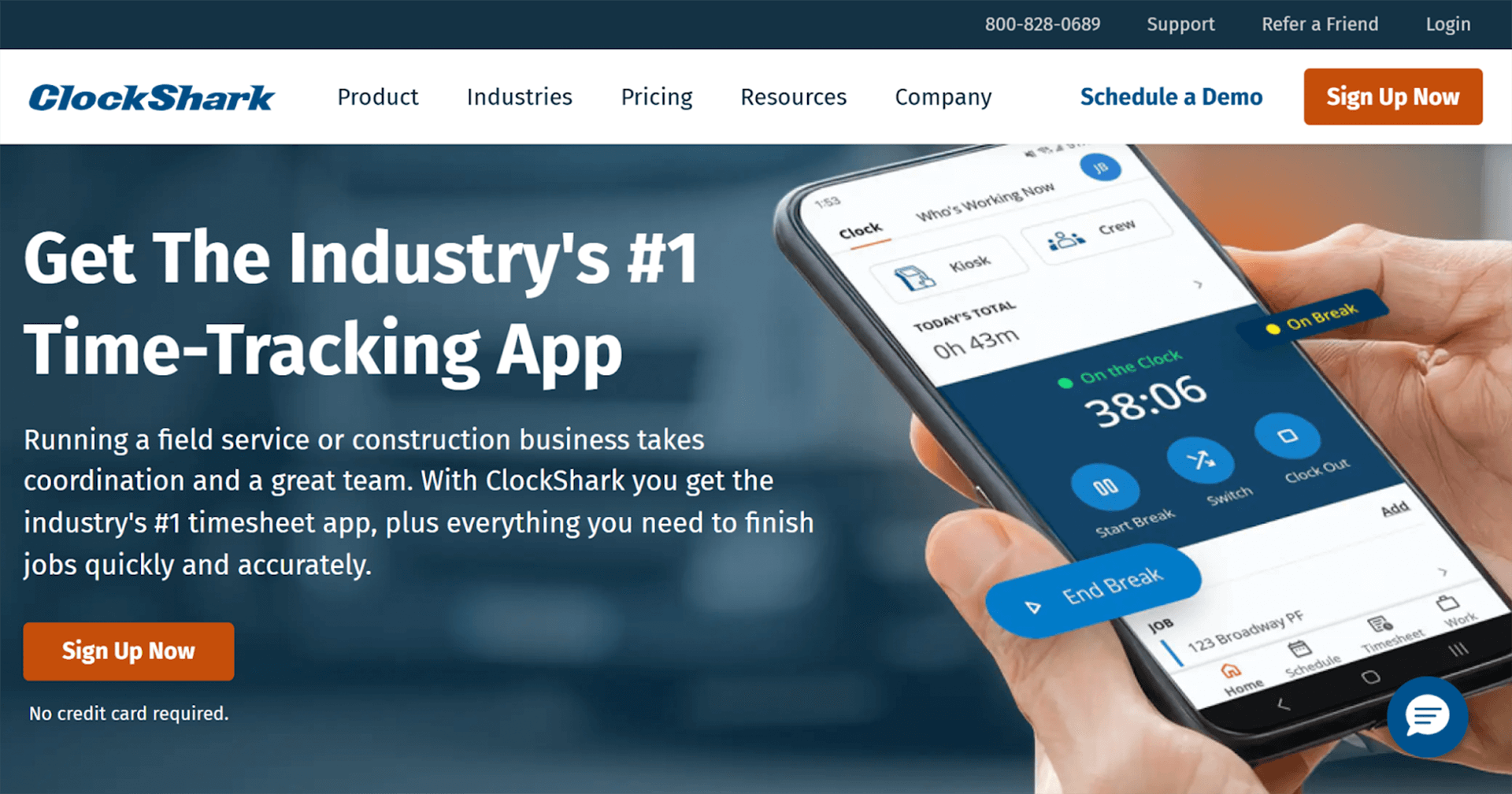
ClockShark is a time and material tracking app purpose-built for construction and trade businesses. Designed for crews working in the field, it removes guesswork around hours, locations, and labor costs by connecting technicians and office staff in real time. From emergency callouts to scheduled maintenance, ClockShark helps trades businesses improve payroll accuracy, job costing, and overall productivity.
Best for: Small to mid-sized construction and trade businesses
Key features
All-in-one time tracking software - built specifically for trades, allowing crews to log hours accurately against jobs, tasks, and cost codes
Mobile time tracking for field crew to clock in and out directly from their phones at job sites, between callouts, or while traveling
GPS time clock app confirms where and when work happens, helping ensure hours are logged at the correct job site and reducing time disputes.
Employee scheduling to assign crews to jobs, manage shifts, and push schedule updates directly to workers’ phones.
Geofence time tracking to prevent missed punches. Virtual boundaries can be set around job sites so employees can only clock in once they arrive.
Flexible clock-in/ clock-out options for every work setup, including:
- Web punch clock for office staff or supervisors
- Kiosk time clock for shared devices at depots or job sites
Pros
- Built specifically for trades and field teams
- Excellent GPS accuracy and scheduling tools
- Accurate timesheets and labor reporting
- Integrates with major payroll and accounting platforms
Cons
- Higher cost tiers for advanced reporting
- Limited offline functionality in no-signal areas
- Some learning curve for admin setup
Pricing
Clockshark offers tiered per-user pricing with a free trial. Paid plans start at $40 user/month and plans scale depending on GPS, scheduling and reporting needs making it flexible for smaller trade teams.
“With the ClockShark app, we save so much time and it makes our job much easier. We really like how easy it is for our employees to add the time and tasks they worked on with the mobile app… now we can see exactly where our employees are in real-time thanks to ClockShark.”
Simpro
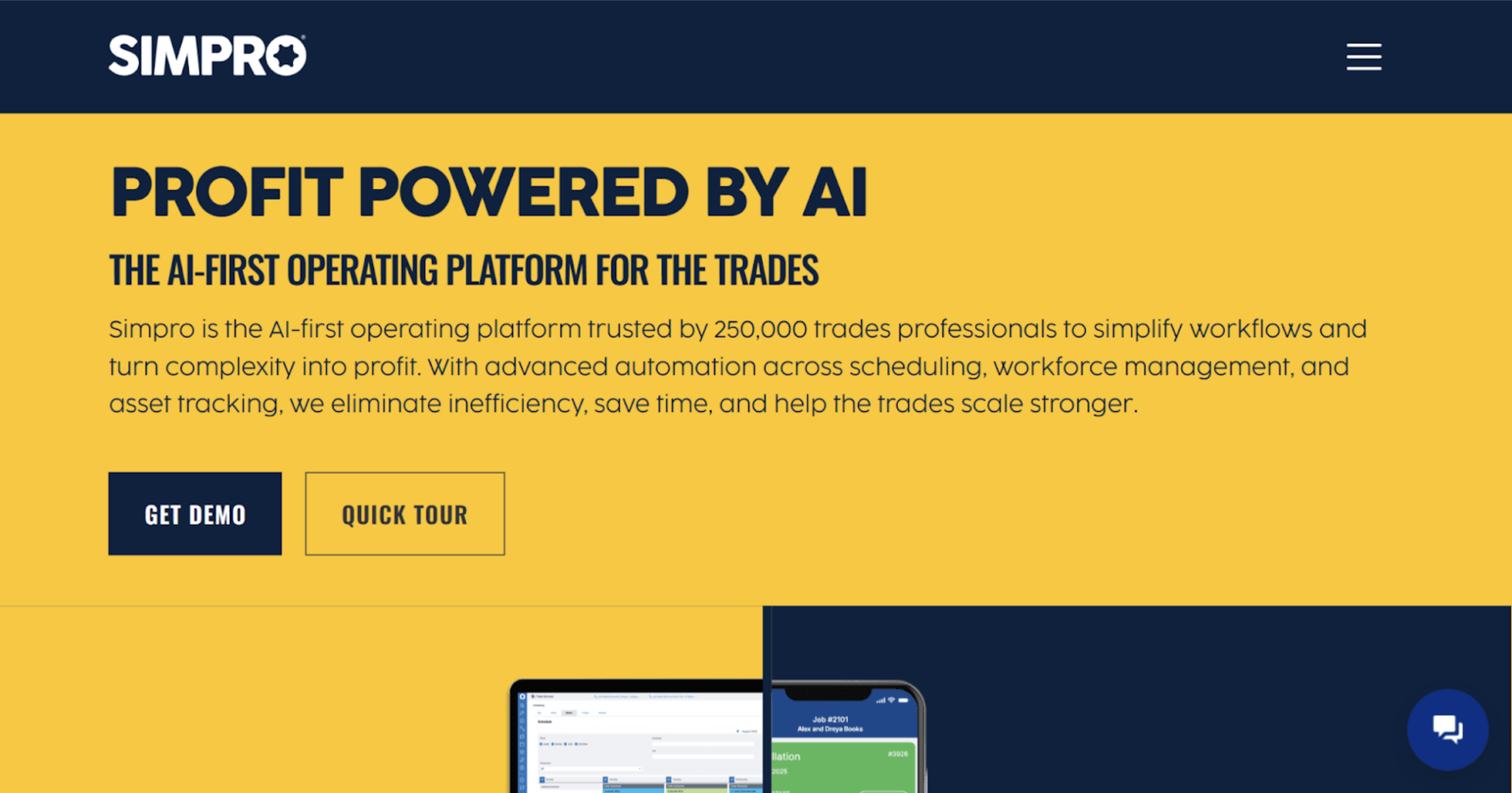
Simpro is a comprehensive, mobile-first field service platform designed for trade businesses that need more than just time tracking. It connects time, jobs, materials, invoicing, and reporting in one system, making it a strong option for trades managing complex projects, multiple crews, and time-and-material billing. For growing teams, Simpro serves as both a time-tracking and operational backbone.
Best for: Midsize construction and trade businesses
Key trade-ready features
Time Tracking linked directly to jobs and cost centers
Estimating & Quoting to capture labor and materials accurately
Invoicing & Online Payments for faster cash flow
Scheduling & Dispatching to manage crews across multiple jobs
Fleet Tracking for vehicle visibility
Business & Financial Reporting for job profitability insights
Pros
- End-to-end job, time, and materials management
- Strong job costing and T&M billing support
- Designed specifically for trade workflows
Cons
- More complex setup than simple time tracking apps
- Higher learning curve for smaller teams
- Pricing may be high for very small businesses
Pricing
Simpro uses custom pricing based on business size, users, and feature requirements.
“Simpro has allowed us to simplify our business processes by unifying our lead management, estimating, proposals, service and project management, and invoicing in a single application. We previously had to cobble together workflows with multiple different applications, which was very cumbersome.”
Raken
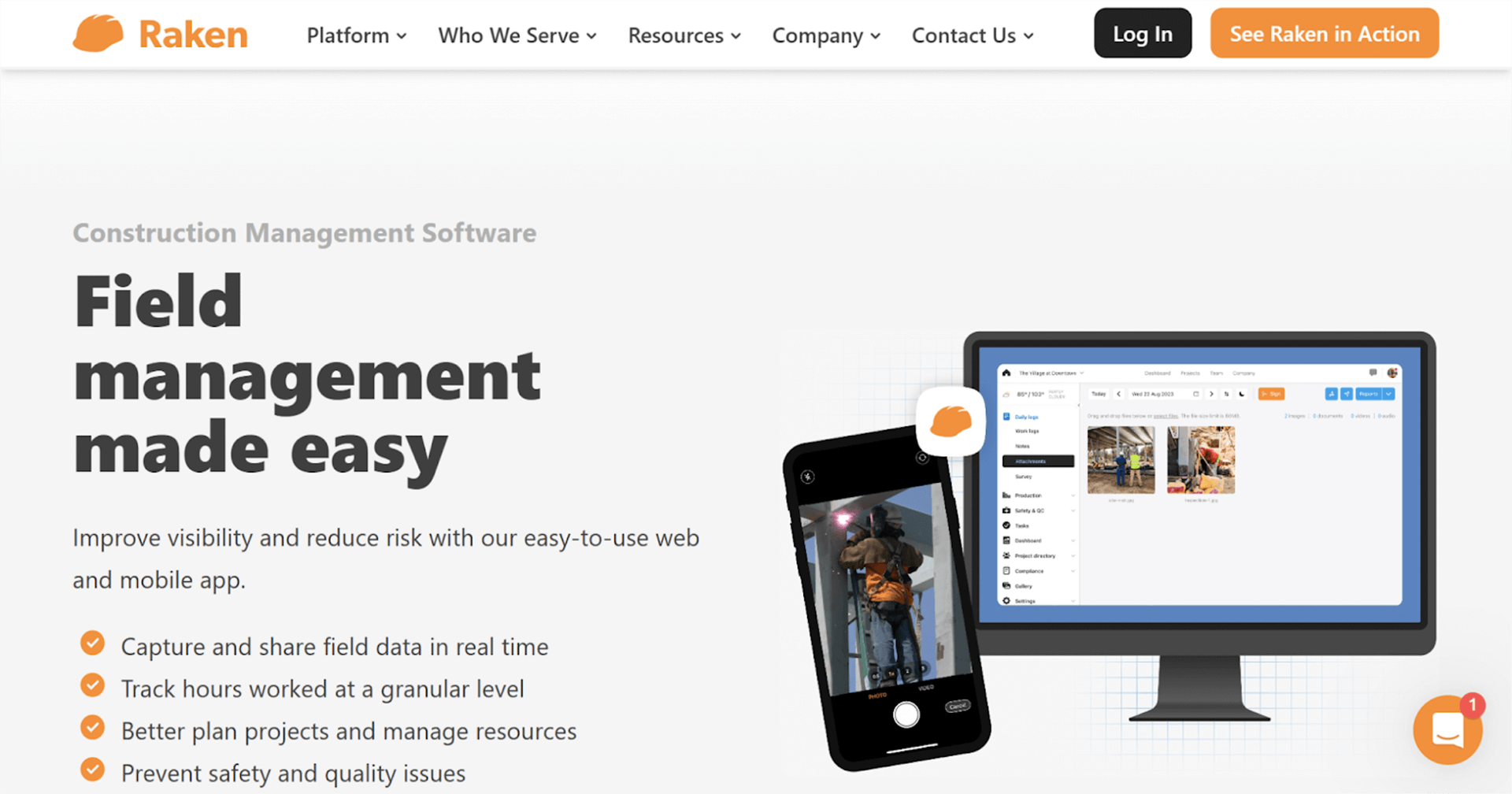
Raken is a construction-focused platform that combines time tracking with daily reporting, checklists, and documentation. It’s designed for larger trade businesses that need visibility across multiple job sites, with a time and material tracking app feeding into production reports and compliance documentation rather than payroll alone.
Best for: Large construction trade businesses
Key trade-ready features
Time Tracking tied to daily site reports
Custom Reports & Checklists for site activity
Production Tracking to measure output vs hours
Photo Documentation for job progress
Toolbox Talks for safety compliance
Integrations with construction software
Pros
- Strong reporting and documentation tools
- Excellent for compliance and site reporting
- Scales well for multi-site operations
Cons
- More expensive than basic time tracking apps
- Not focused on payroll-first workflows
- Overkill for small trade teams
Pricing
Raken pricing is quote-based and varies by company size and reporting needs.
“I find Raken incredibly valuable for creating daily reports and including pictures to better organize work sites. Its simplicity is a major asset, making it easy to create custom forms that ensure all our subcontractors submit consistent, universal-looking reports.”
Connecteam
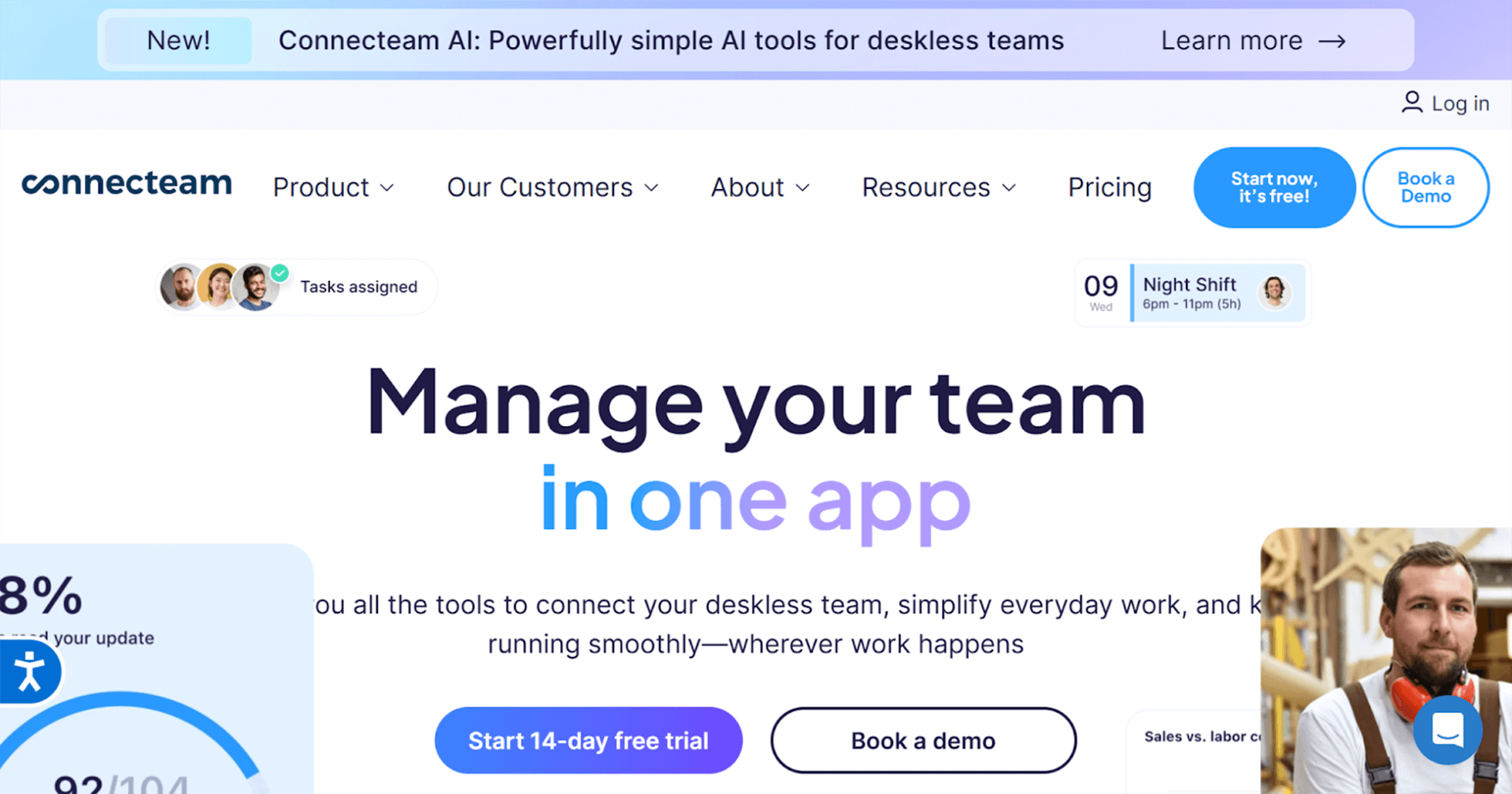
Connecteam is an all-in-one workforce management app that combines time tracking, scheduling, communication, and task management. While not trade-specific, it’s a flexible option for businesses with larger office-based teams or mixed crews that need time tracking plus internal coordination.
Best for: Office-heavy or mixed crews
Key trade-ready features
Time Tracking with GPS location stamps
Shift Scheduling with drag-and-drop planning
Task Management for daily assignments
Location Tracking for remote staff
Payroll Integrations for exporting hours
Pros
- Broad workforce management features
- Strong mobile experience
- Affordable entry pricing
Cons
- Limited job costing and trade-specific tools
- Not purpose-built for trades
- Time tracking less detailed for T&M billing
Pricing
Free for small teams, with paid plans starting at $29/ month and scaling based on users and advanced features. Plans are based on each ‘hub’ need: HR, Comms or Operations.
“Having scheduling, time tracking, and communication in one app has simplified operations.”
Hubstaff
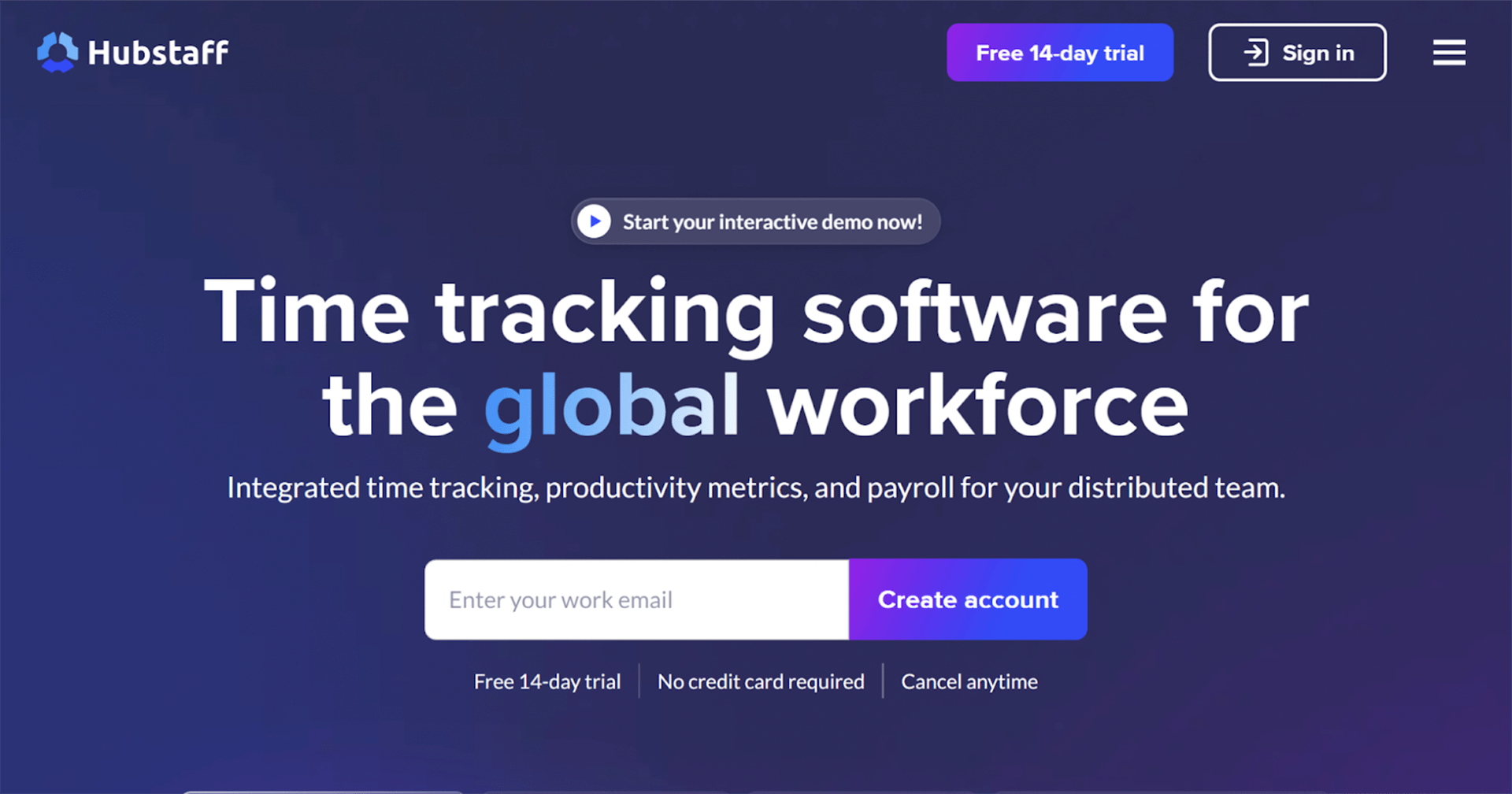
Hubstaff is a time and material tracking app, with a workforce monitoring tool designed for businesses managing remote or distributed teams. For trades, it’s most useful when teams include remote supervisors, estimators, or admin staff alongside field workers.
Best for: Remote or hybrid trade teams
Key trade-ready features
Time Tracking across desktop and mobile
GPS Tracking & Geofencing
Employee Scheduling
Invoicing based on tracked hours
Work Order Management integrations
Pros
- Strong oversight for remote teams
- Detailed activity reporting
- Useful for hybrid workforces
Cons
- Monitoring features may feel intrusive
- Less job-site focused than trade apps
- Limited trade-specific workflows
Pricing
Per-user pricing starting at $4.99/ month with tiered plans depending on monitoring and reporting features. Free trial available.
“Mostly I have used the scheduling part of the program and I have found it easy to use. I can use it with payroll however my co-workers have issues of putting in their time sheets so that is still a work in progress.”
QuickBooks Time
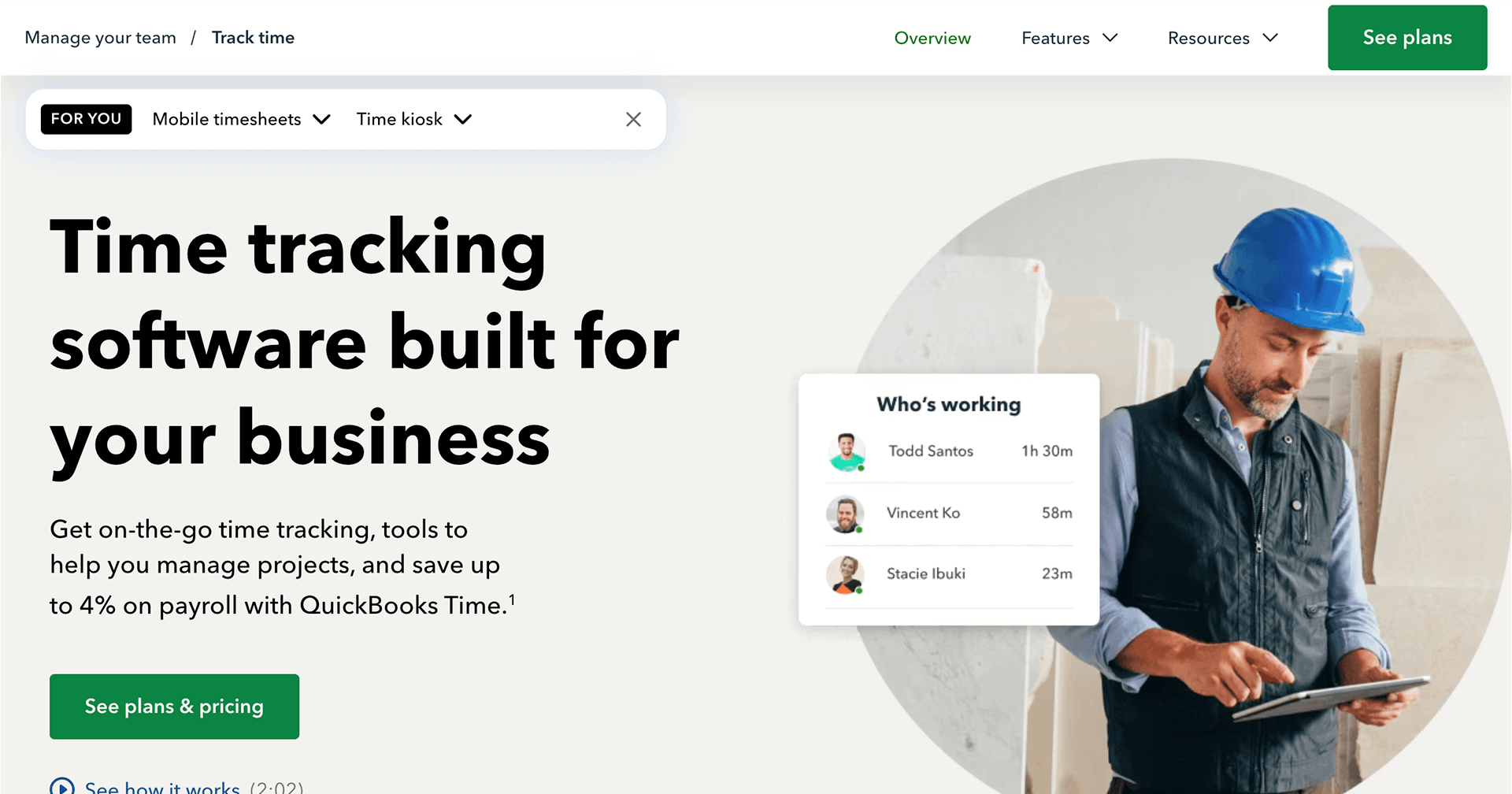
QuickBooks Time is a logical choice for trades already using QuickBooks for payroll and accounting. It focuses on capturing hours and pushing them directly into payroll, reducing double entry for businesses already invested in the QuickBooks ecosystem.
Best for: Businesses already using QuickBooks for payroll
Key trade-ready features
Time Tracking with job and customer tagging
Location Tracking for mobile teams
PTO Tracking
Job Scheduling
Direct Payroll Integration with QuickBooks
Pros
- Easy QuickBooks integration
- Familiar interface for accounting teams
- Reliable payroll workflows
Cons
- Can become expensive at scale
- Less trade-focused than specialist apps
- Limited advanced job costing
Pricing
Requires Quickbooks Online. Monthly base fee starts at $10/ month plus per-user pricing, with costs increasing for larger teams or more feature-rich packages.
“I really appreciate QuickBooks Time for its efficiency in tracking employees' absences and time ins. This feature is incredibly beneficial for keeping accurate records and simplifies the process when payroll is processed, ensuring that everything is easy to record and verify.” -
BusyBusy
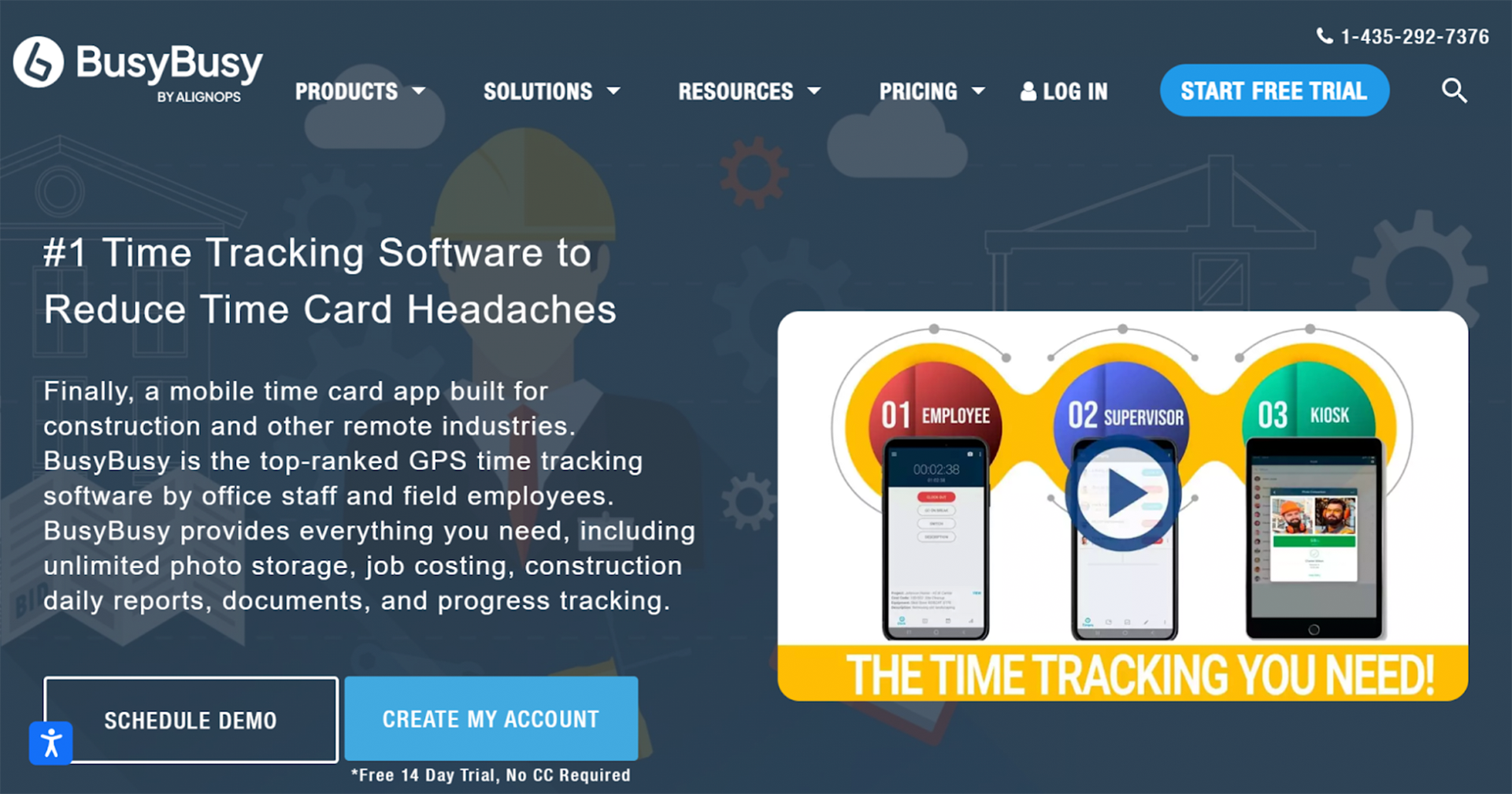
BusyBusy is a construction-focused time and material tracking app designed to track labor and equipment hours. It’s particularly useful for trades that want to understand where time is spent without needing full job management software.
Best for: Equipment and labor cost tracking
Key trade-ready features
Time Tracking by job and phase
Equipment Tracking
Job Costing
Location Tracking
Reporting for labor analysis
Pros
- Strong labor and equipment tracking
- Built for construction workflows
- Simple for crews to use
Cons
- Limited scheduling features
- Not a full job management system
- Reporting depth varies by plan
Pricing
Free plan & 14-day trial available, with paid tiers starting at $9.99/ month. Premium package unlocks advanced job costing and reporting.
“The platform allows me to simply clock in and out with the click of a button, which makes it user-friendly. It effectively helps me keep track of my working hours when I'm doing tasks from home, relieving me from the hassle of logging hours manually.”
ExakTime by Acroro
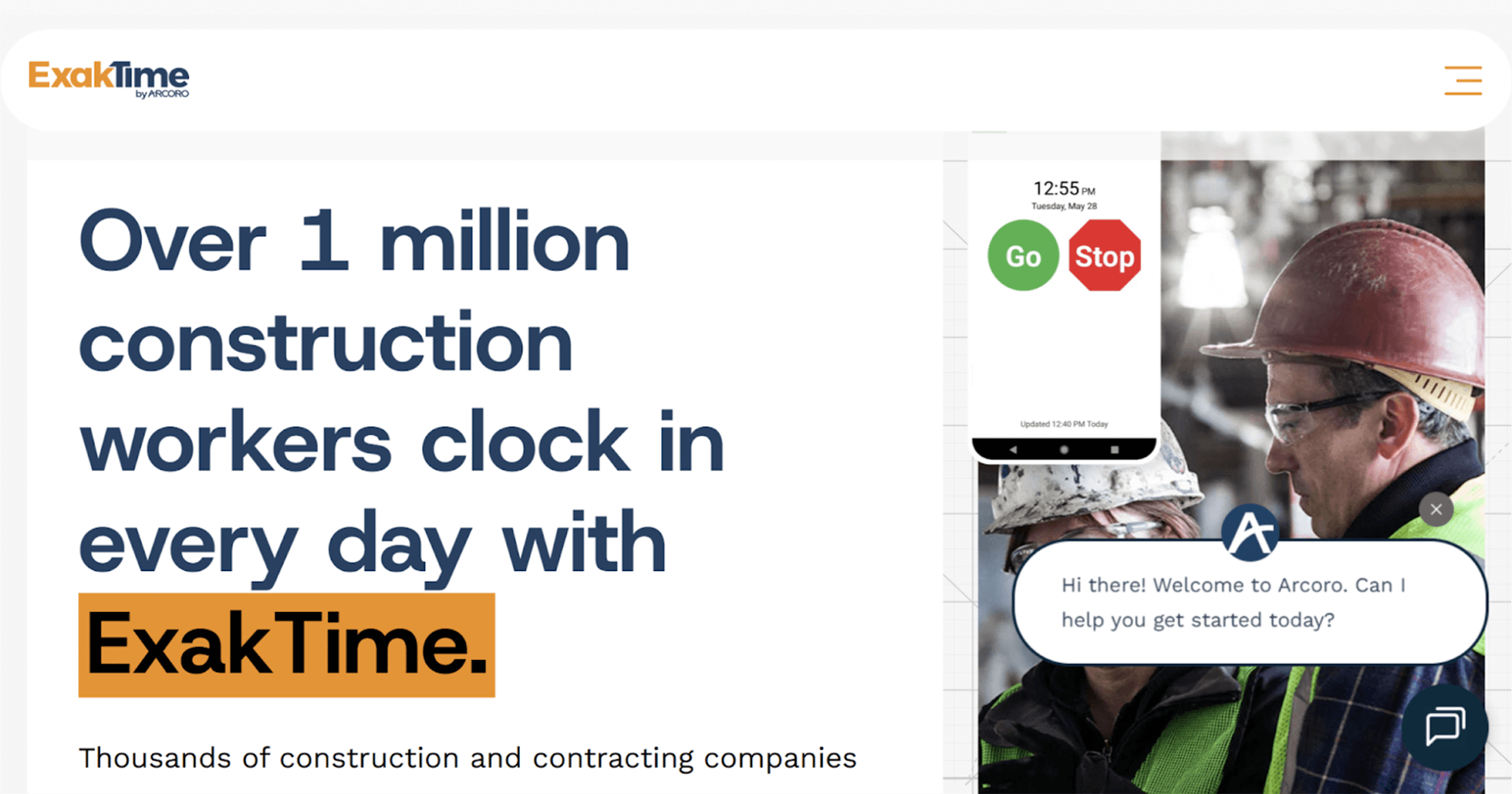
ExakTime is a time tracking app built specifically for construction and trade businesses, with strong HR and compliance features. It focuses on accurate time capture, employee records, and payroll readiness.
Best for: HR and compliance-focused trade businesses
Key trade-ready features
Time Tracking with GPS validation
Location Tracking & Geofencing
Payroll Integration
Reporting for labor compliance
HR Management tools
Pros
- Designed for construction and trades
- Strong compliance and HR focus
- Accurate GPS-based time capture
Cons
- Interface can feel dated
- Less flexible scheduling tools
- Limited job management features
Pricing
Pricing varies based on users and compliance requirements. Starting from $9/ month per user. Higher plan pricing requires talking to representatives.
“It’s laid out well and makes it easy to see everything at a glance without digging through menus. The other big plus for me is that it allows unlimited locations. For anyone dealing with multiple job sites, this is a huge benefit and keeps things simple as projects change. There are a lot of features to try out!” -
Workyard
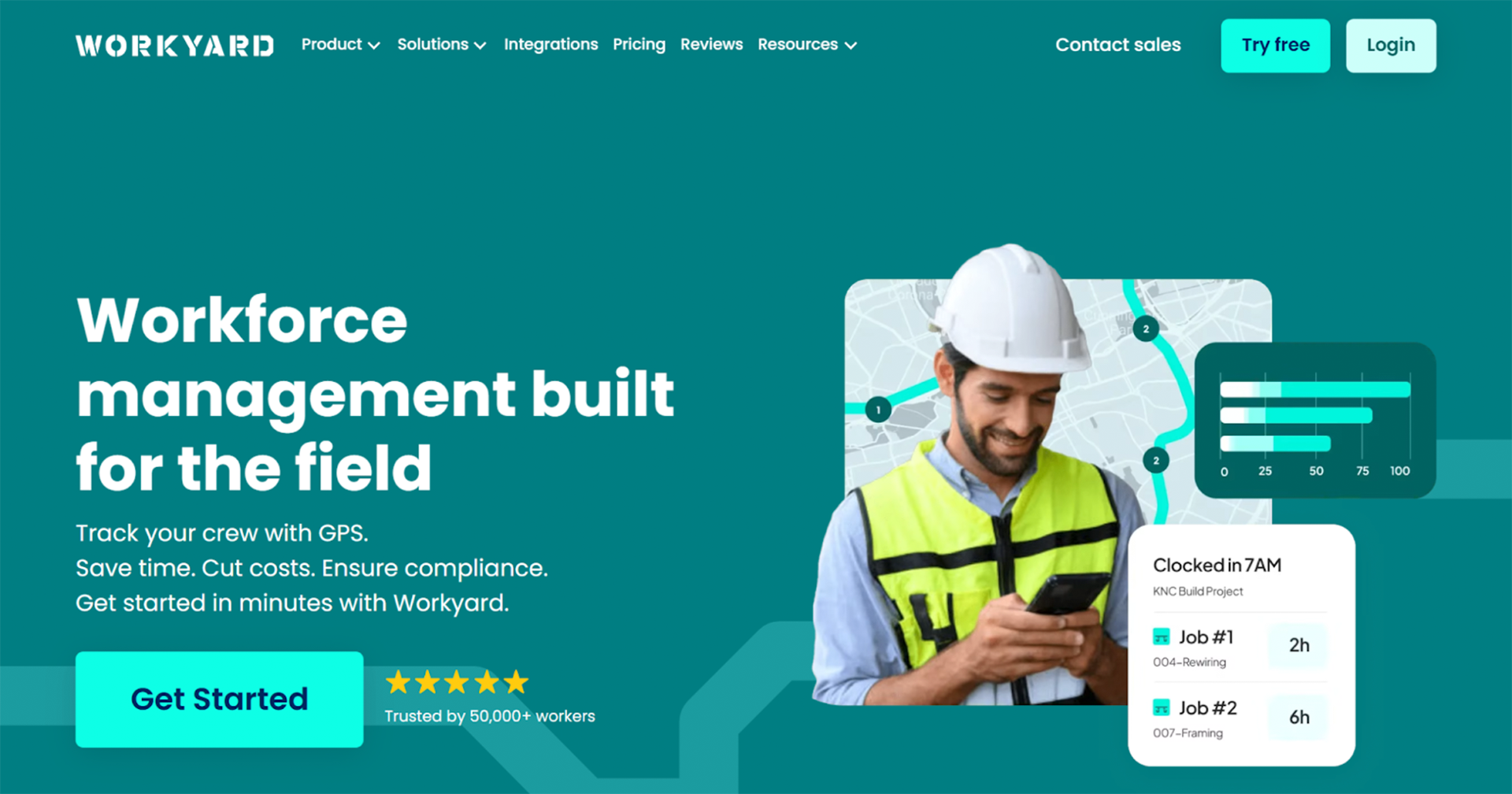
Workyard is a GPS-first time tracking and job costing app designed to support time-and-material tracking. It provides high-accuracy location data, making it useful for trades billing by actual hours worked on site.
Best for: Mileage and GPS-verified time tracking
Key trade-ready features
Time Tracking with precise GPS validation
Mileage Tracking
Job Costing
Job Scheduling
Integrations with accounting tools
Pros
- Extremely accurate GPS tracking
- Strong T&M job costing support
- Useful for multi-site crews
Cons
- Higher cost for small teams
- Less focus on scheduling
- Base fees add up
Pricing
Per-user pricing starting at $6/ month per user plus a monthly company base fee ($50), designed for teams that need precise labor tracking.
“I can view the workers' locations at each job site, which is very helpful. If they forget to log their tasks or projects, I am still able to check their location history and enter the time for each project afterwards.”
Clockify
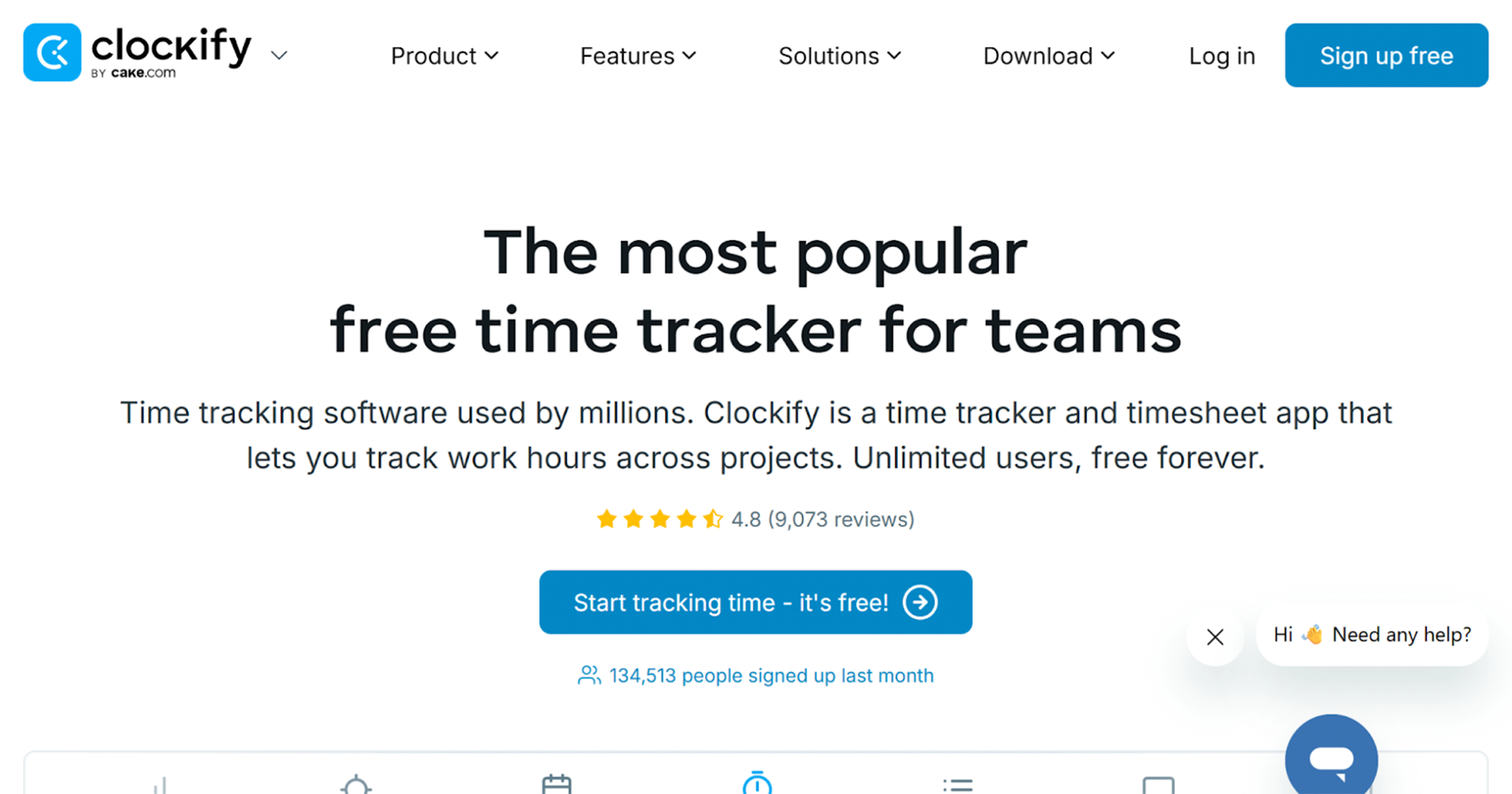
Clockify is a simple, low-cost time tracking app designed for teams that need basic digital timesheets without complex setup. While it’s widely used across industries, it isn’t purpose-built for trades, making it better suited to small crews or contractors who only need to track hours, not manage jobs, materials, or crews in the field.
Best for: Budget-conscious teams needing basic time tracking
Key trade-ready features
Time Tracking via manual entry or timers
Project & Task Tracking to separate work types
Timesheets & Approvals for payroll export
Basic Reporting on hours worked
Integrations with accounting and payroll tools
Pros
- Free plan with unlimited users
- Easy to set up and use
- Good for basic time logging
- Affordable paid upgrades
Cons
- No GPS or job-site verification
- Not built for trade workflows
- Limited job costing and T&M tracking
- Relies heavily on manual accuracy
Pricing
Free plan available. Paid plans start as low as $3.99/ month and increase for advanced reporting and approvals.
“Clockify keeps time tracking straightforward, reliable, and impossible to fudge. It forces accuracy, makes reporting painless, and gives you a clean view of where hours are actually going. In short: it removes the guesswork and keeps teams honest.”
Toggl Track
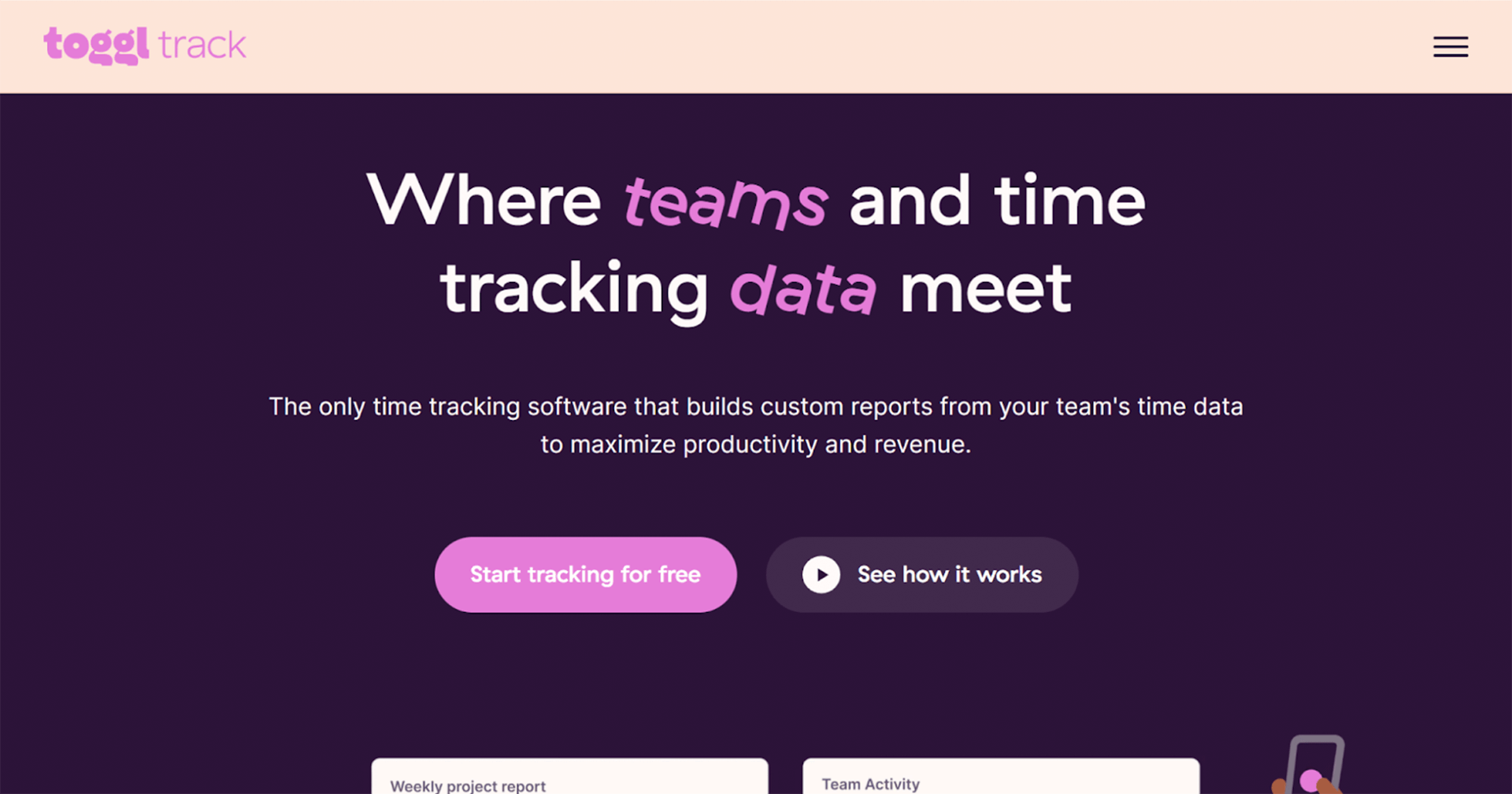
Toggl Track is a project-based time tracking tool focused on simplicity and visibility into how time is spent. It works well for admin-heavy or hybrid teams, but lacks the GPS, scheduling, and job management features most trade businesses need for accurate time and material tracking.
Best for: Office-based or hybrid teams billing by project
Key trade-ready features
One-click Time Tracking with timers or manual entry
Project & Task Tags for organising work
Detailed Reports for billable hours
Team Dashboards for productivity visibility
Integrations with accounting and project tools
Pros
- Clean, intuitive interface
- Strong reporting and analytics
- Flexible for admin and office work
- Free plan for small teams
Cons
- No GPS or job-site tracking
- Not trade or field focused
- No scheduling or dispatch
- Limited T&M job costing
Pricing
Free for up to five users. Paid plans start at $9/ month, priced per user, with advanced reporting and team features available on higher plans.
“The best thing about Toggl Track is how quick it is to start tracking time. You just hit the timer and get back to work, no complicated setup. I also like how it automatically groups your entries and shows everything clearly in the reports.”
Harvest
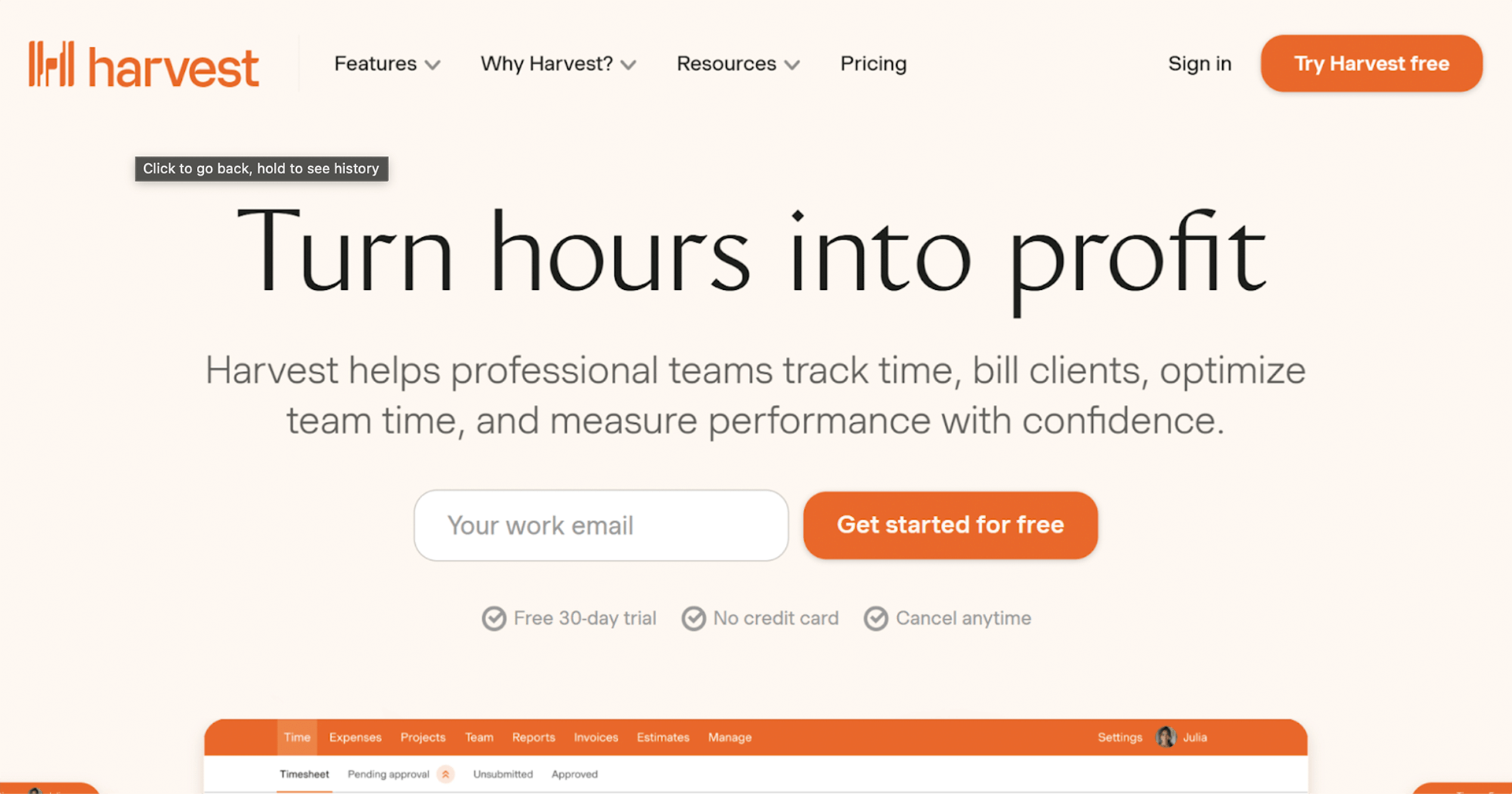
Harvest is a time tracking and invoicing app designed for professional services and project-based businesses. While it supports time and expense tracking, it’s better suited to consultants and agencies than trades that require job-site accuracy, crew scheduling, and labor verification.
Best for: Service-based teams needing time + invoicing
Key trade-ready features
Time Tracking by project or client
Expense Tracking for billable costs
Invoicing based on tracked hours
Reporting on time and budget usage
Integrations with accounting software
Pros
- Combines time tracking and invoicing
- Easy client billing workflows
- Clean reporting for billable hours
- Simple to use
Cons
- Not designed for field crews
- No GPS or job-site validation
- Limited support for trades
- No crew scheduling or dispatch
Pricing
Free for individual freelancers, or for the first user. Free trial available. Per-user monthly pricing starting at $9/ month for teams. Costs increase as team size grows.
“As a Harvest user, I can say that it is an accessible and efficient platform for organizing and visualizing the performance of all your work operations, giving you total control over each of your professional activities.”
My Hours
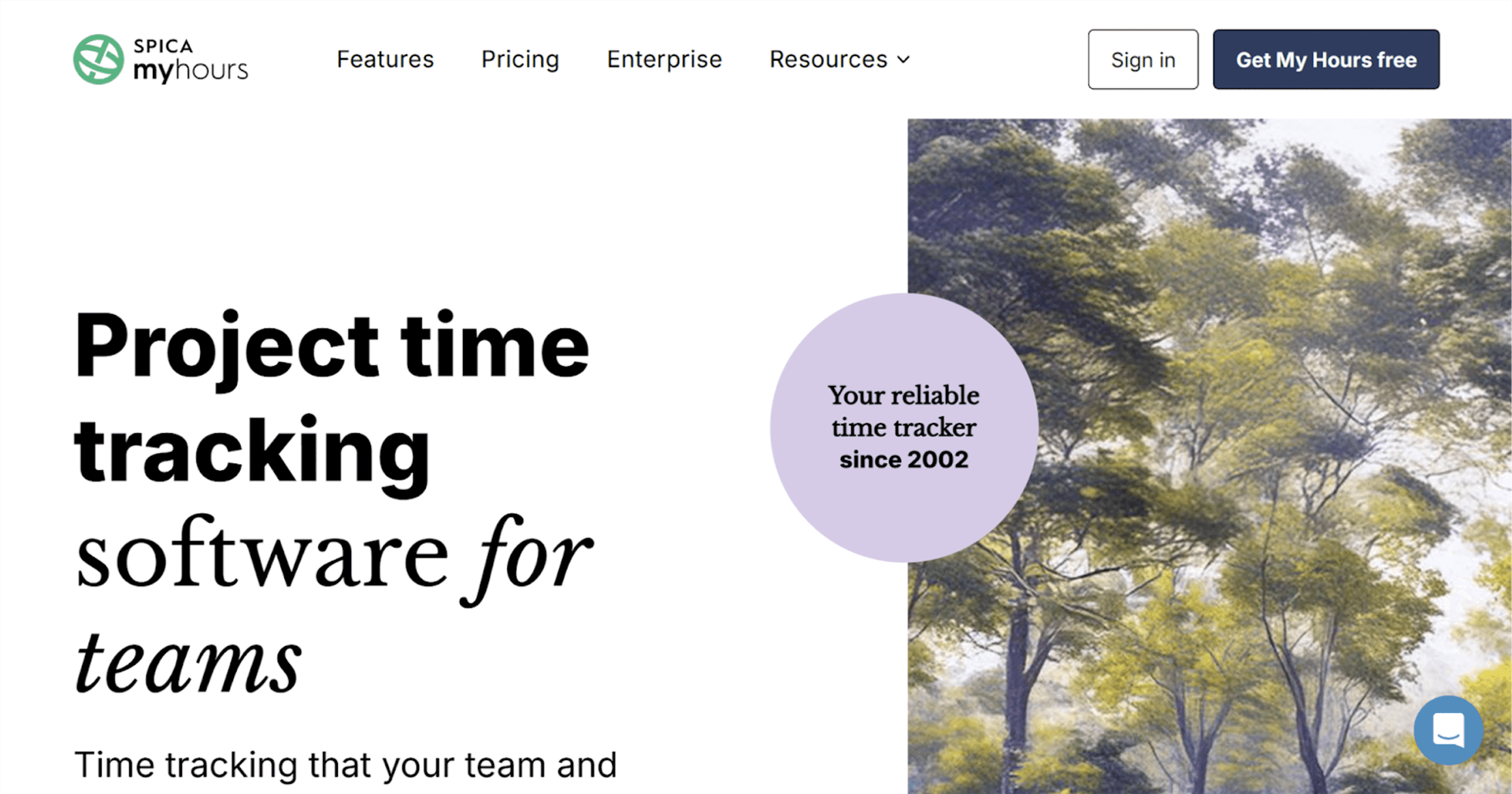
My Hours is a lightweight time tracking tool focused on tracking hours against projects and clients. It’s easy to use and flexible, but it lacks the structure and controls that trade businesses typically need for accurate labor tracking across job sites.
Best for: Freelancers and small teams tracking billable hours
Key trade-ready features
Time Tracking with timers or manual entry
Project & Client Tracking
Timesheets & Approvals
Basic Reporting
Exports for payroll and invoicing
Pros
- Simple, clean interface
- Easy onboarding
- Good for basic time logging
- Affordable pricing
Cons
- No GPS or location tracking
- Not trade-specific
- No scheduling or job management
- Limited job costing capabilities
Pricing
Free plan available for upto 5 users, with paid tiers starting at $8/ month per user. Enterprise offering with advanced reporting and team controls is custom-priced.
“This app is very user friendly, for both admin staff and field staff. Due to the size of our business we are able to use this app for free, which is a huge help to reduce our overhead costs, and much appreciated.”
Which Time Tracking App Is Right for You?
There’s no shortage of time and material tracking apps on the market, but as this guide shows, not all of them are built for the realities of trade businesses. Crews move between job sites. Hours need to be tied to specific jobs. Payroll, job costing, and invoicing need to line up without manual rework. The right tool should reduce admin, not add another layer of complexity.
If you’re looking for the best time tracking app for trades, the standout choice is ClockShark. It’s purpose-built for field teams, with GPS-verified time tracking, job and task codes, scheduling, and seamless payroll and accounting integrations. Everything is designed around how trade crews actually work, so you capture every hour, bill accurately, and keep jobs profitable.
If you’re ready to stop chasing timesheets and start running tighter jobs, now’s the time to act.
Sign up for ClockShark now and see how easy it is to track time, manage crews, and simplify job management from day one.
Ready to try the best time tracking app for construction businesses?
Start your ClockShark free trial.