



ClockShark sends automatic reminders to your field crews to clock in and out via mobile push notifications, email, or GPS-triggered alerts when they arrive at job sites, eliminating incomplete timesheets and missed clock-ins.
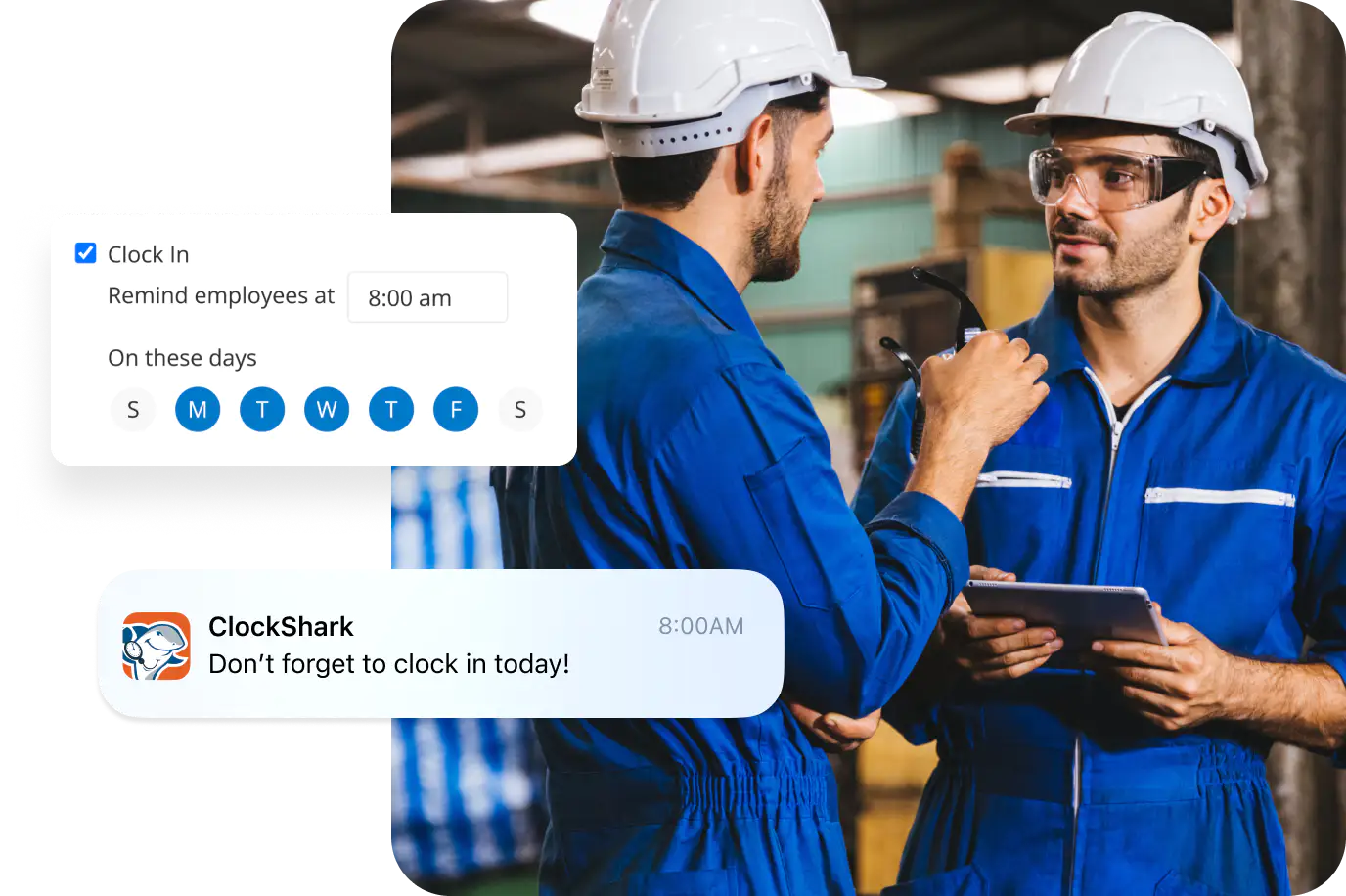
Trusted by more than 9,500 businesses and 100,000+ field pros.







Crew members can use time-tracking software to clock in and out, track the tasks they’re doing for the job assigned to them, and send all that data to you automatically in seconds.
Eliminate forgotten clock-ins and manual timesheet corrections with automatic reminders sent directly to employee devices when they need to track time.

Keep crews on schedule with convenient notifications that prompt employees to clock in when they arrive and clock out when they leave job sites.
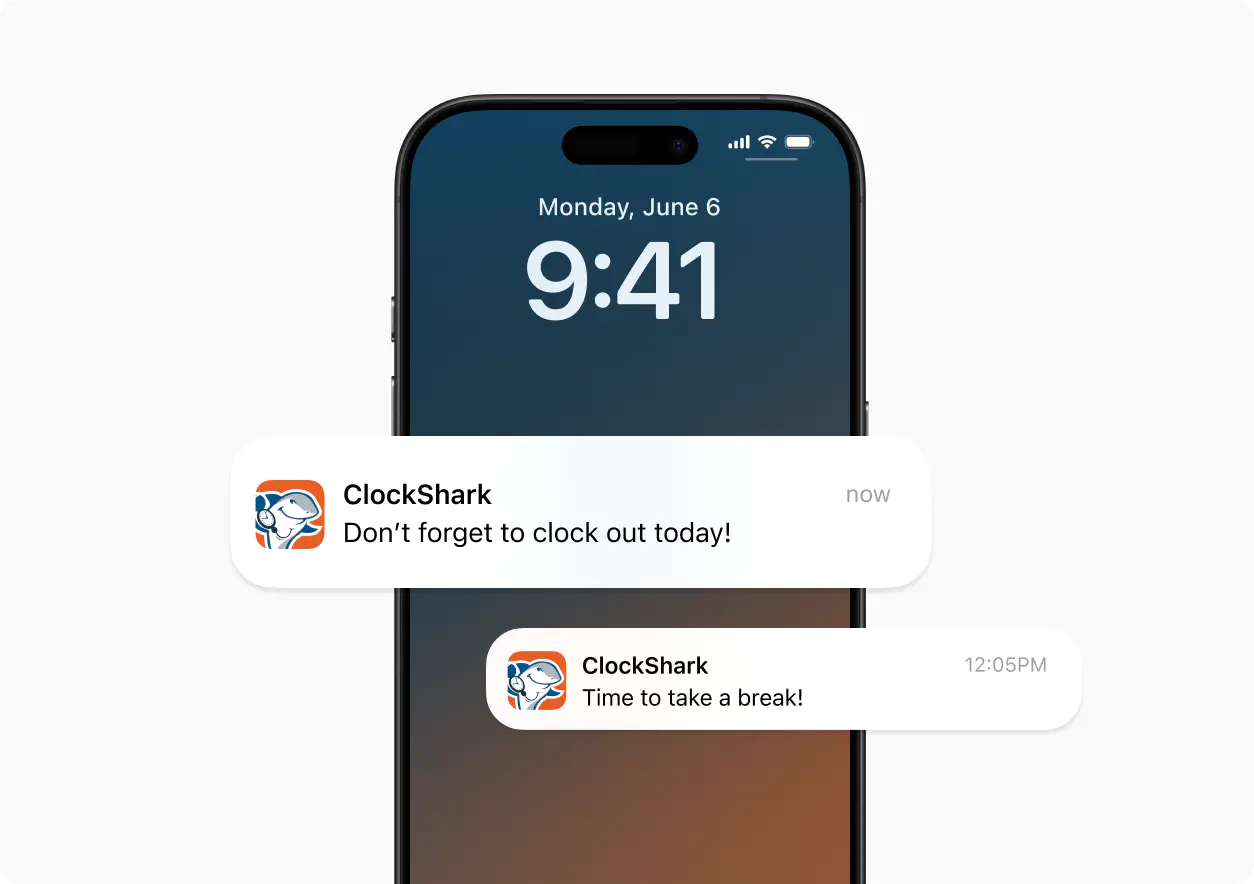
Cut down on time spent chasing missing timesheets and sending manual reminders to field workers who forget to track their hours.
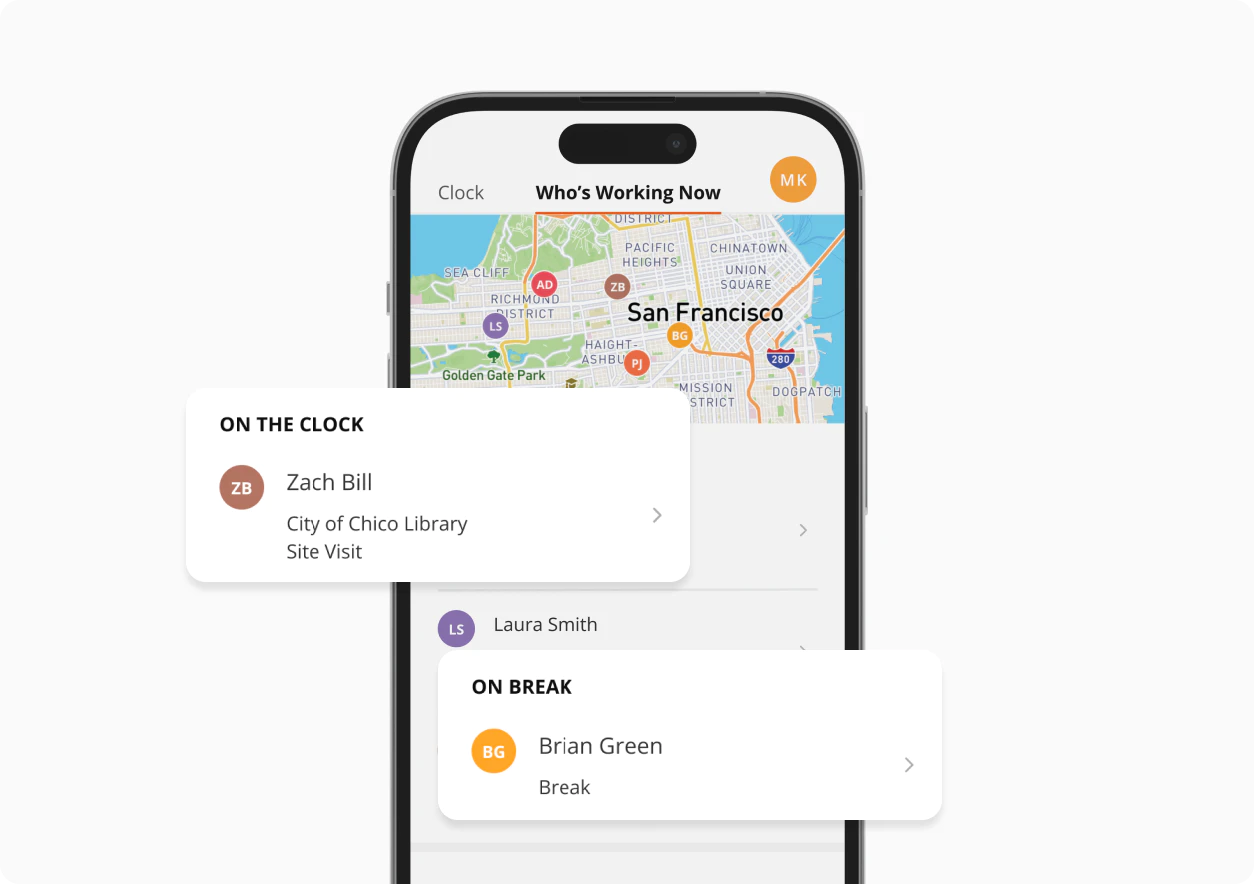
Use geofencing to trigger automatic clock-in reminders when employees arrive at job sites and clock-out alerts when they leave the area.
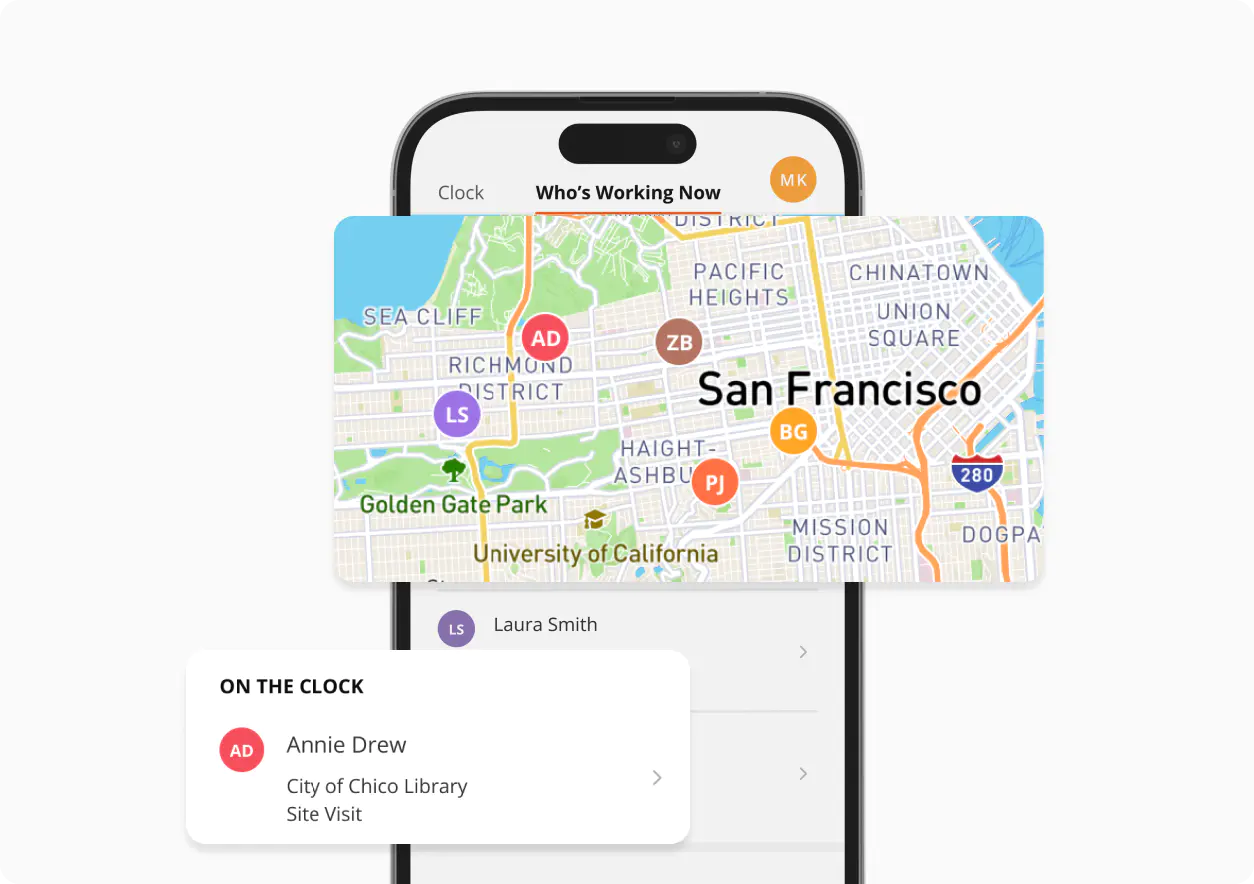
With the Kiosk Clock, any team member can clock in and out, switch tasks or jobs, and record breaks, all from a single shared mobile device.
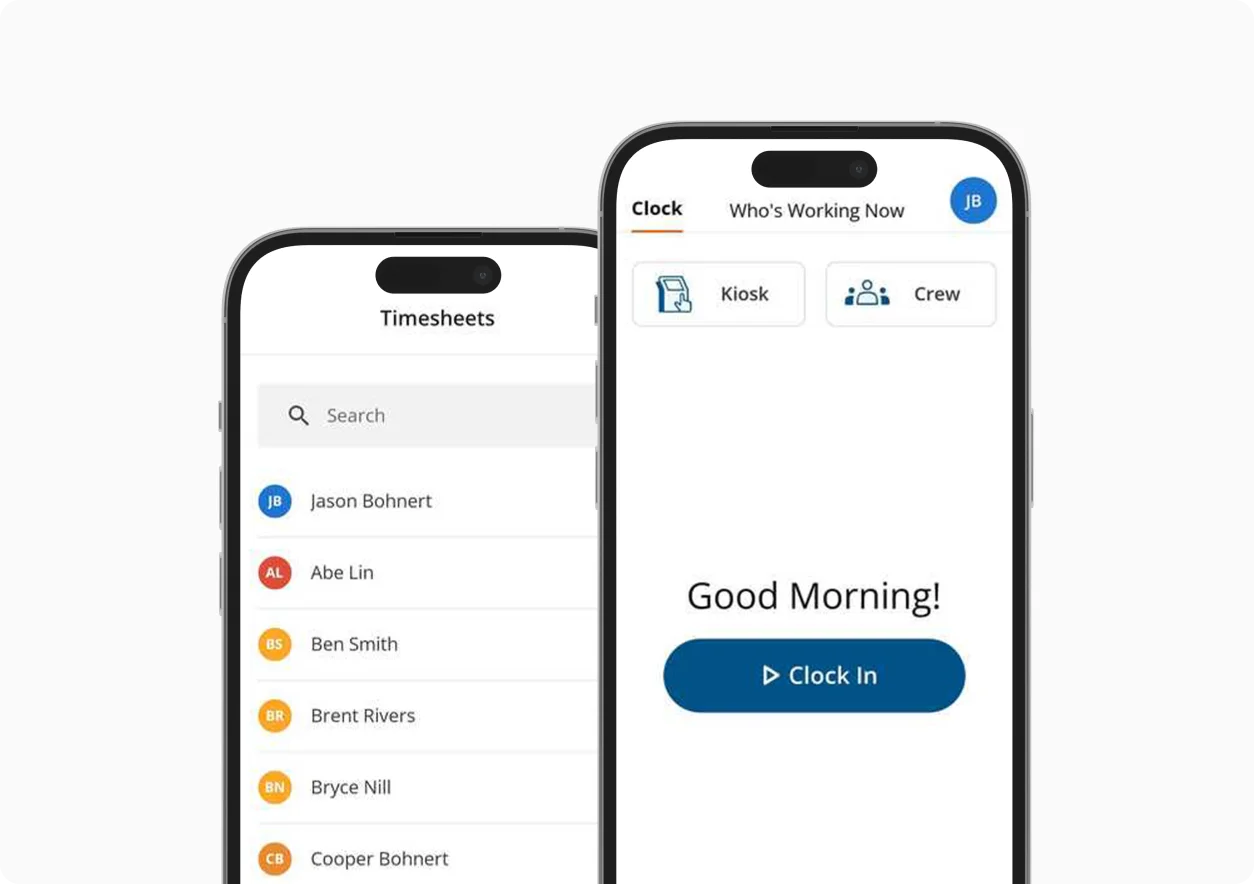
If your crew loses signal on remote job sites, ClockShark still records their hours and job details, then syncs everything once they’re back online.
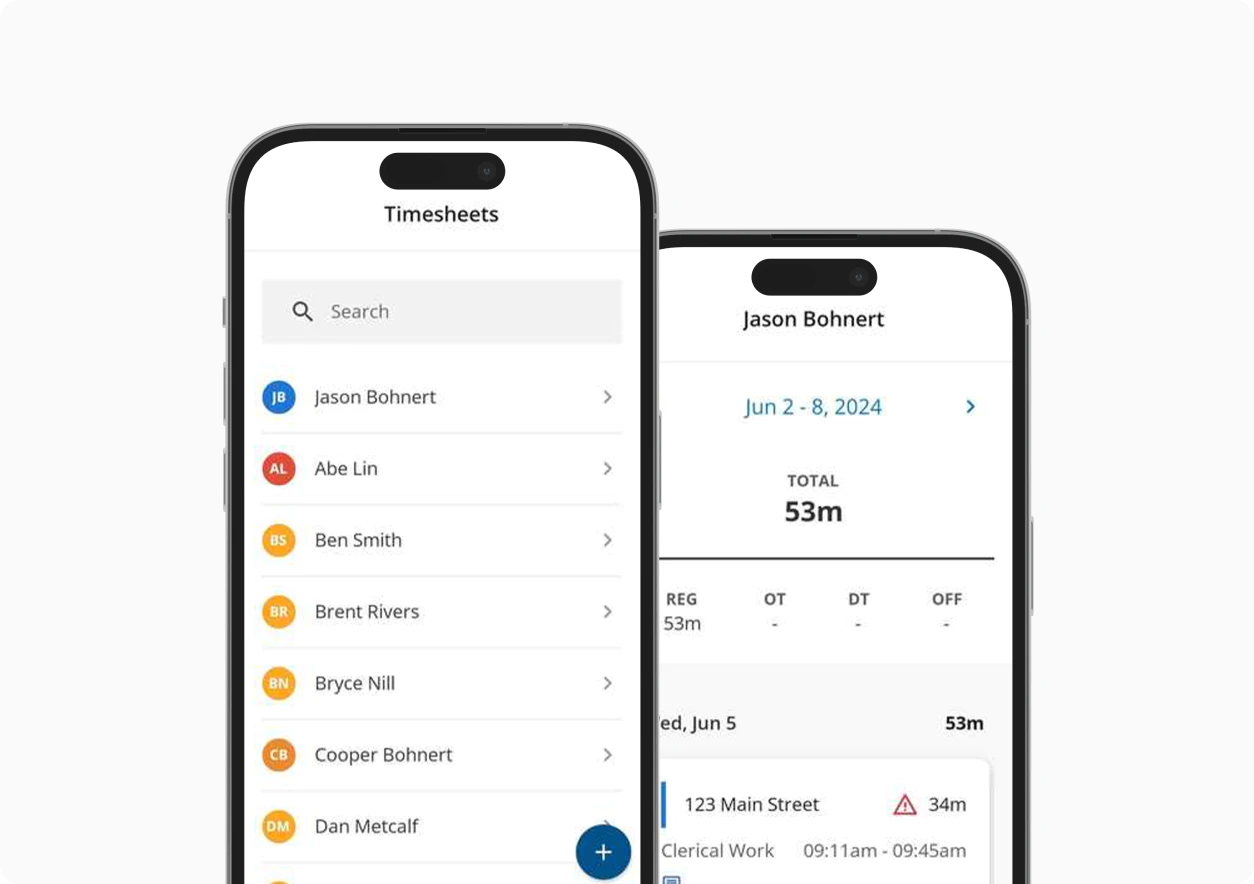

Get important information from your team in the field when they clock out, and receive timely notifications of unexpected responses.

Organize every contact, note, file, and conversation regarding your customers and maintain a smooth workflow of each project.

Build custom sick and vacation policies, assign employees and time will accrue automatically to each pay period.

Share photos, files, or job notes between the office and the field with file attachments.

Assign jobs, track progress in real time, and give your team all the details they need in the field, so nothing slips through the cracks.

Compare actuals to estimates, spot overruns early, and keep projects on budget to protect your bottom line.












Sign up for free and set up timesheet reminders in minutes. Your crew tracks time accurately, and you stop chasing down missing hours.
No credit card required.
Toll-Free (US and Canada) 800-828-0689
United States/North America (times shown in PT)
Monday: 5 am to 5 pm
Tuesday: 5 am to 5 pm
Wednesday: 5 am to 5pm
Thursday: 5 am to 5 pm
Friday: 5 am to 5 pm
Saturday: closed
Sunday: closed
Toll-Free (US and Canada) 800-828-0689
United States/North America (times shown in PT)
Monday: 5 am to 5 pm
Tuesday: 5 am to 5 pm
Wednesday: 5 am to 5pm
Thursday: 5 am to 5 pm
Friday: 5 am to 5 pm
Saturday: closed
Sunday: closed